Parametric Pergola System: From Static to Dynamic
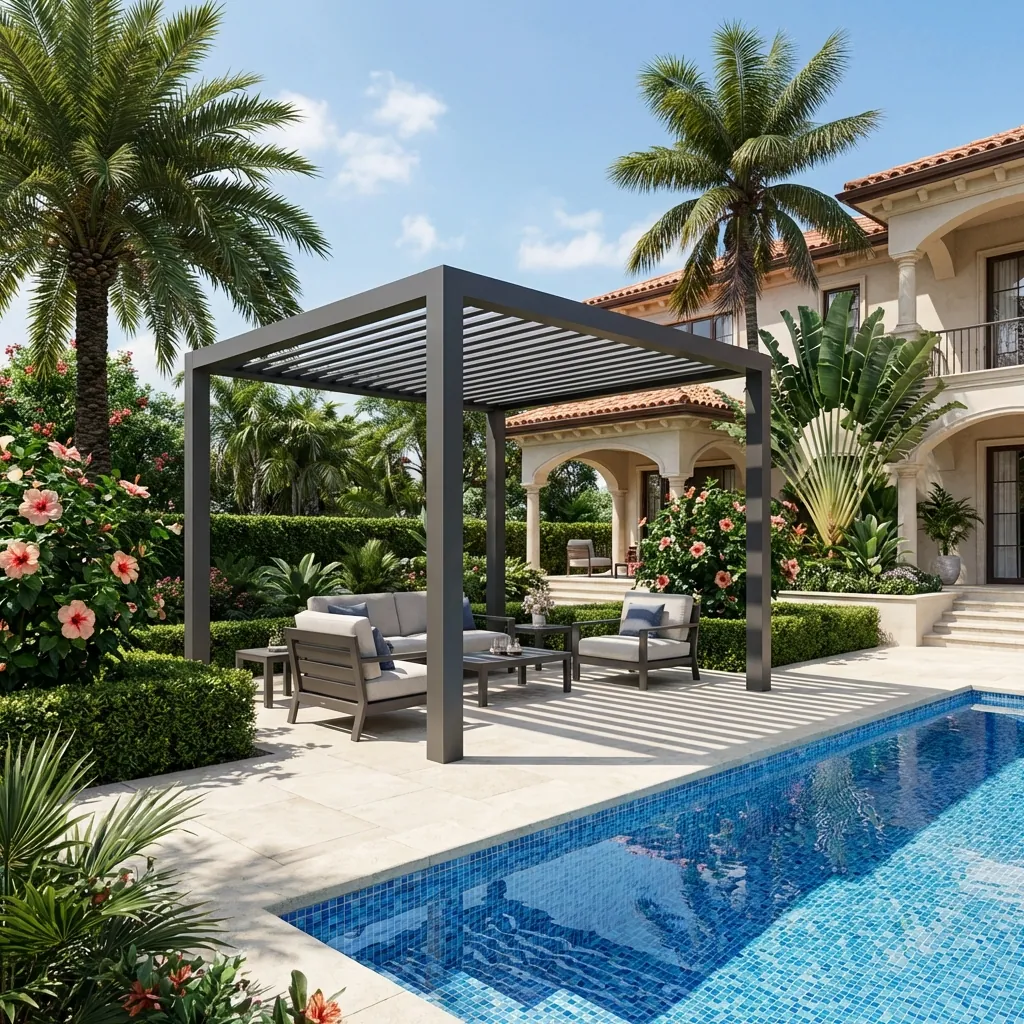
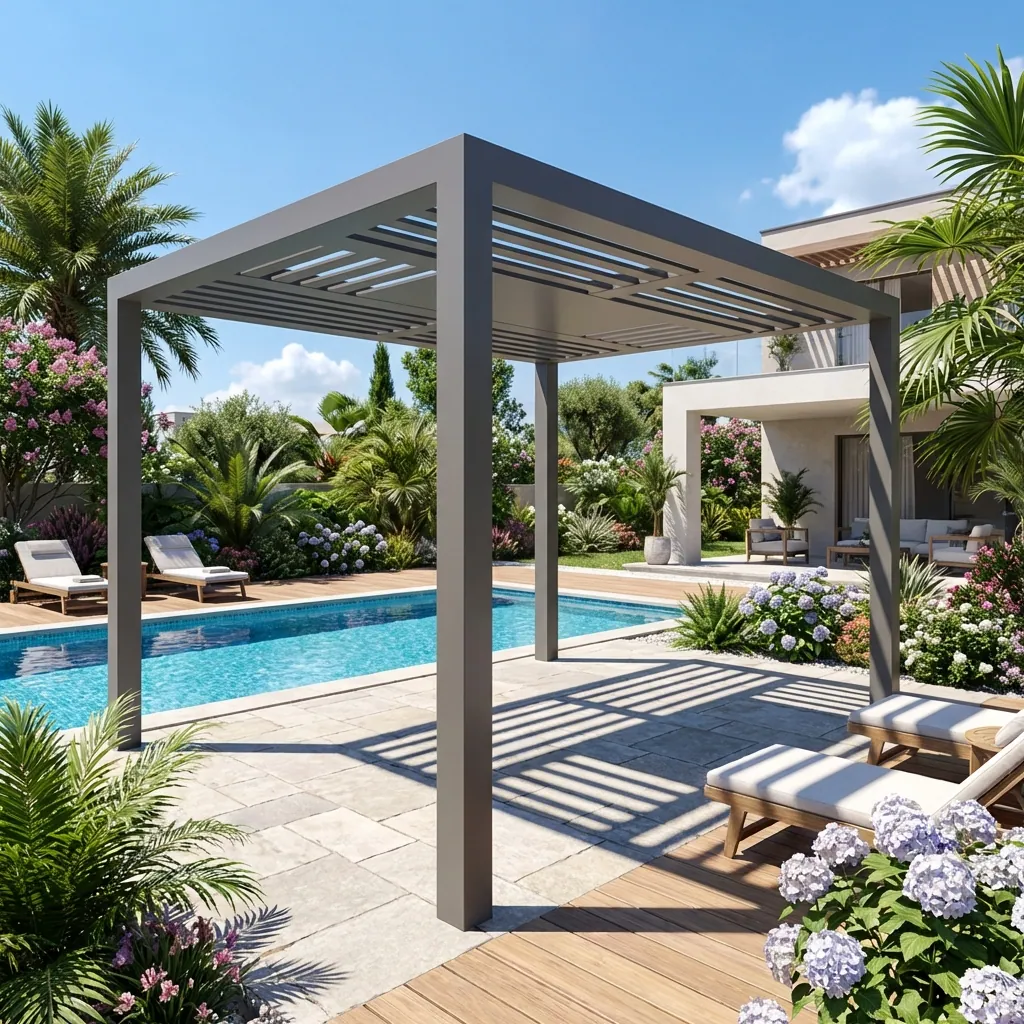
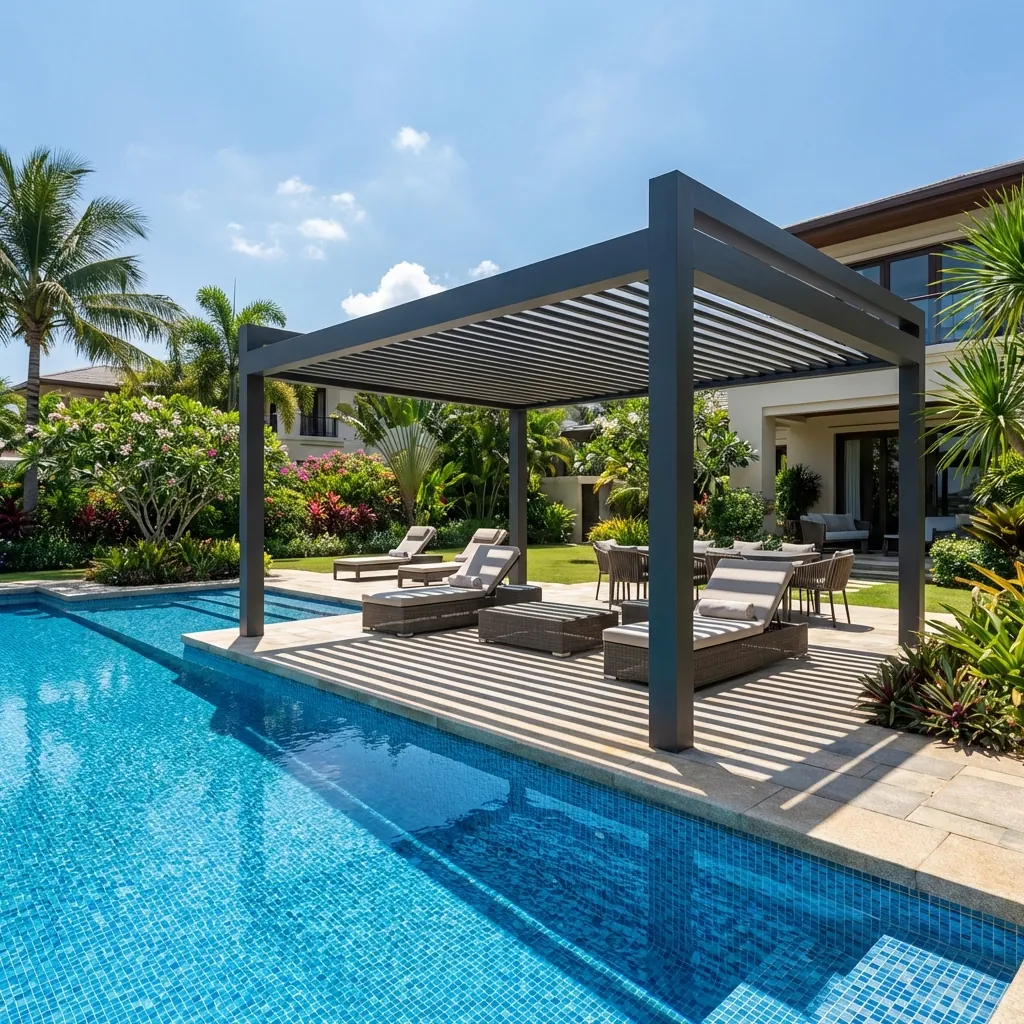
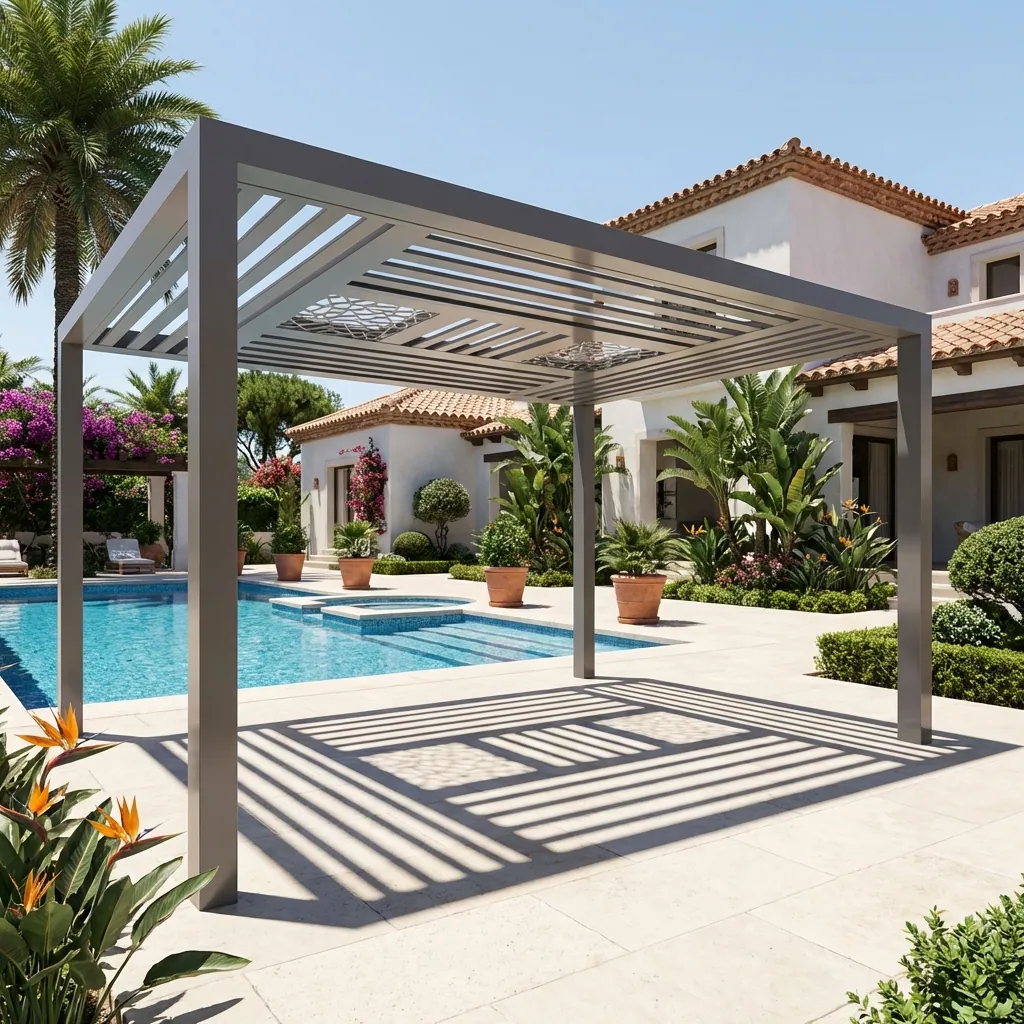
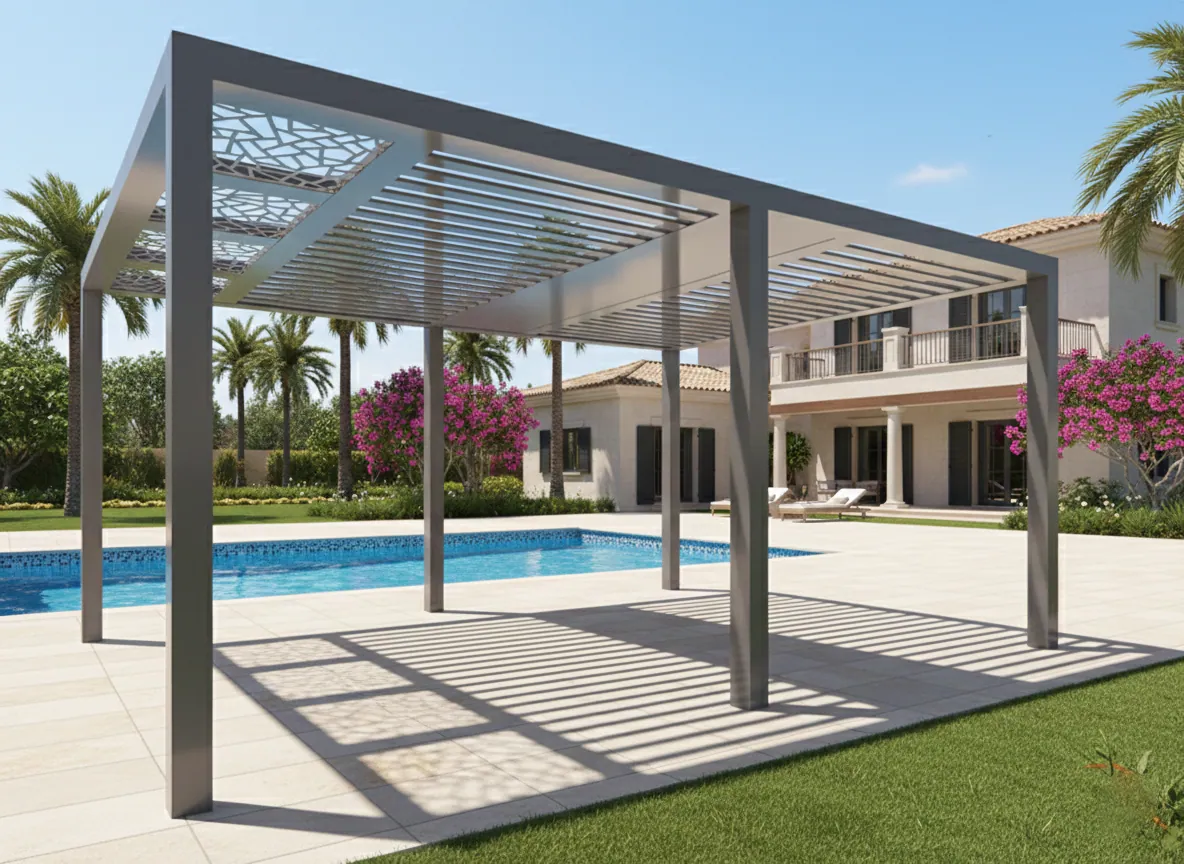
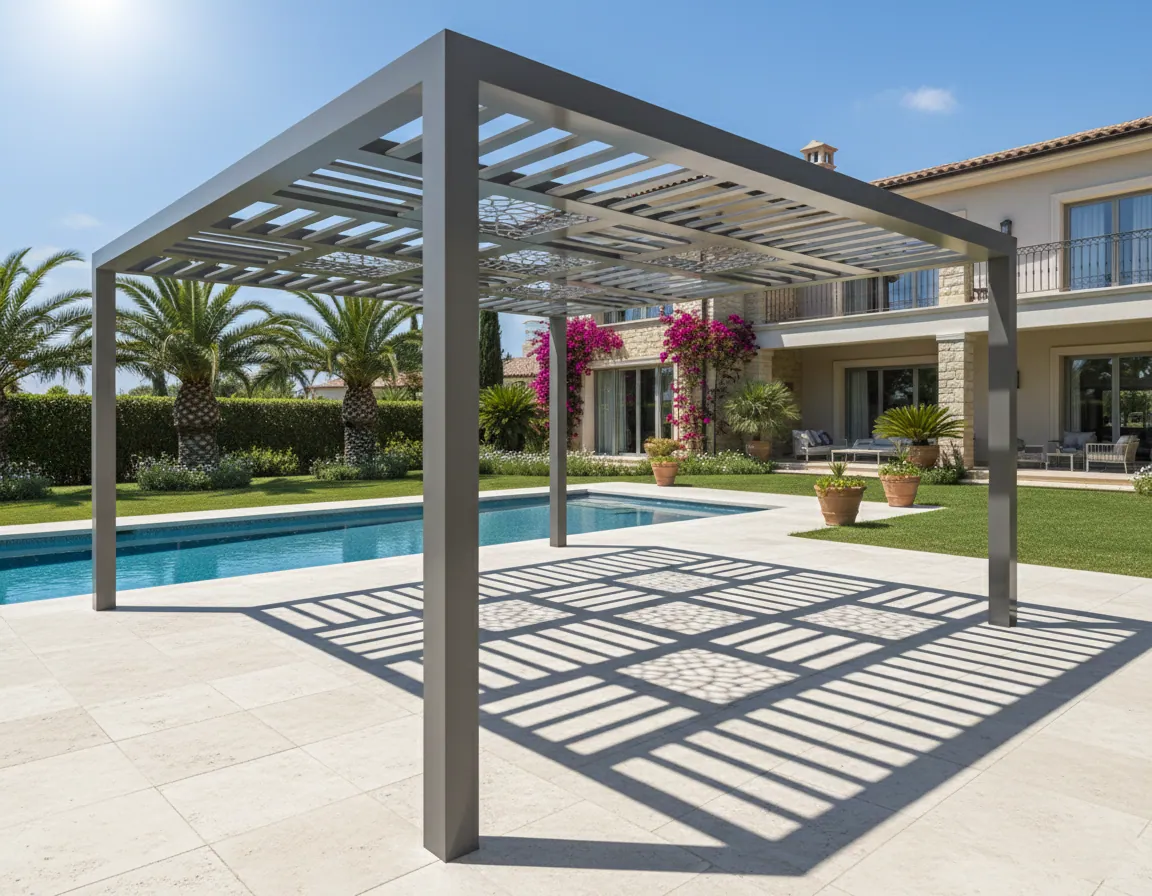
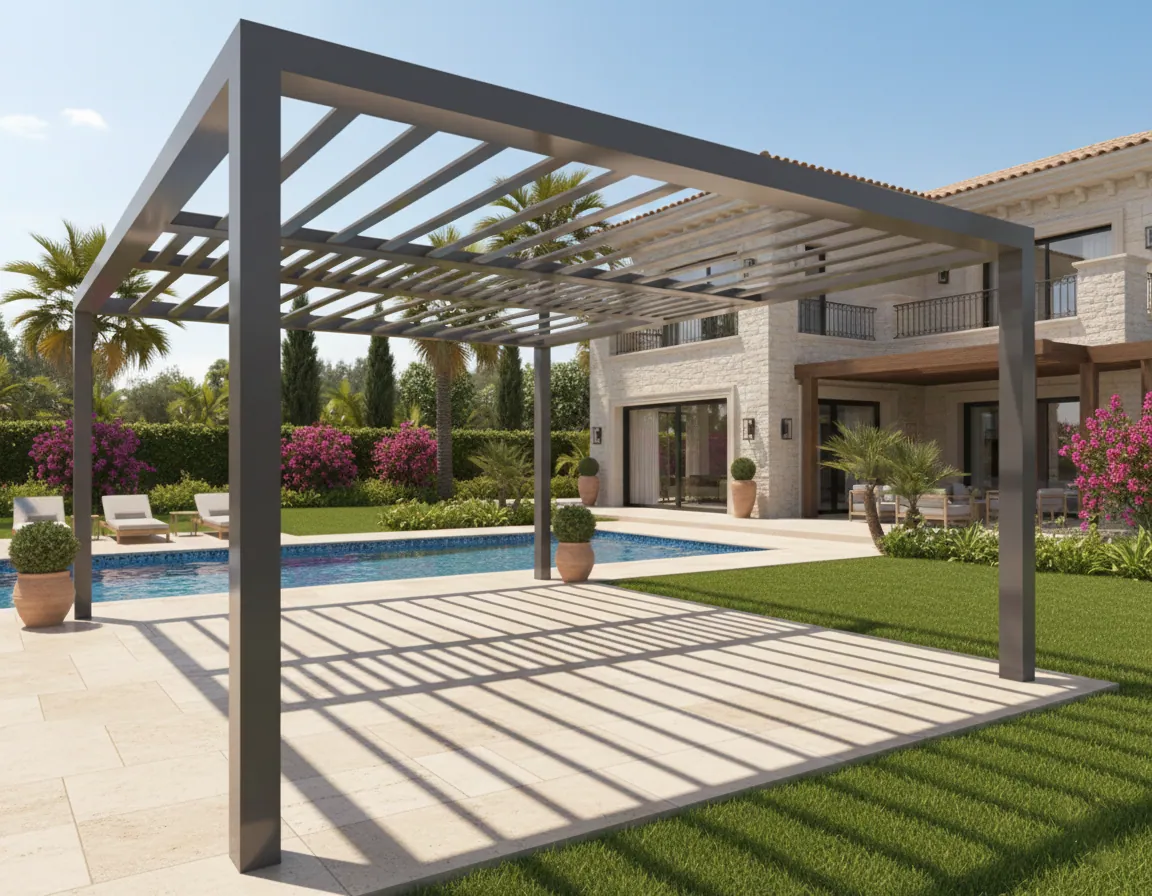
Product Gallery




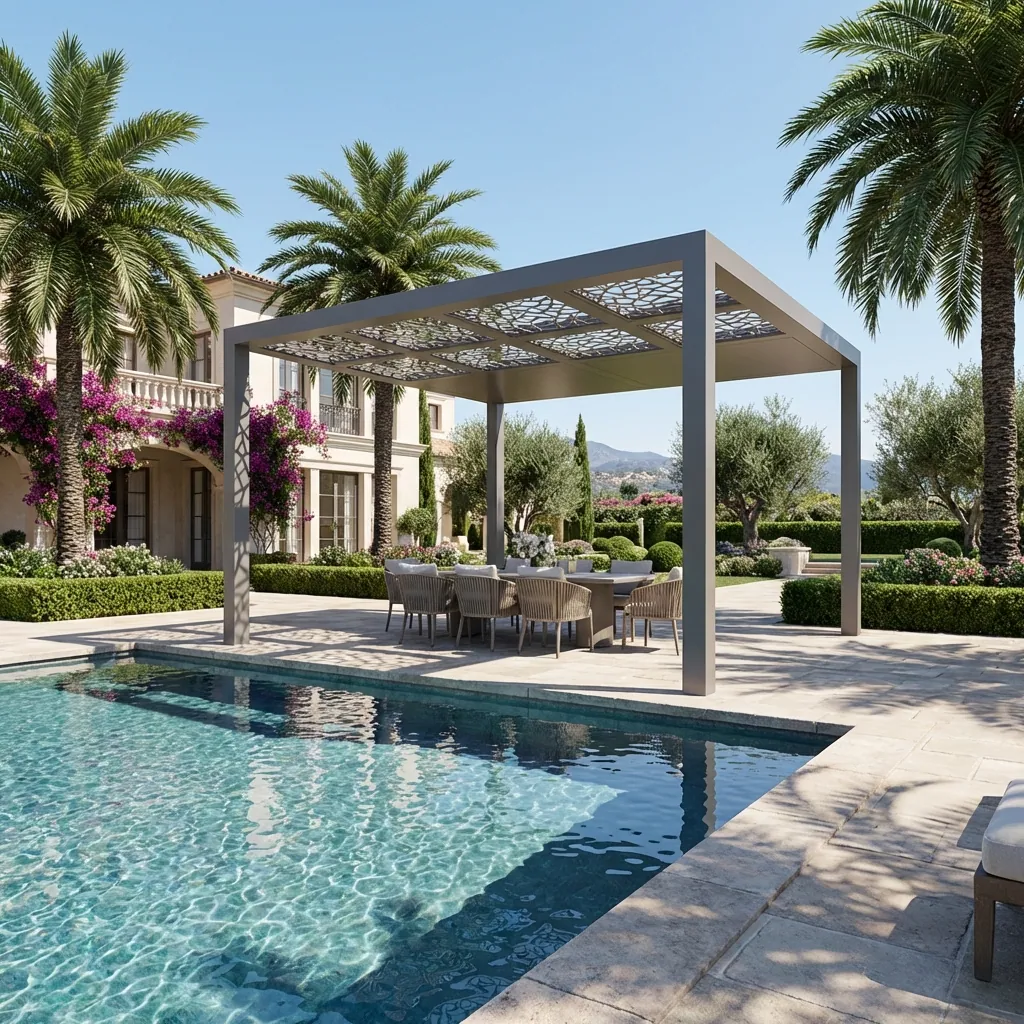
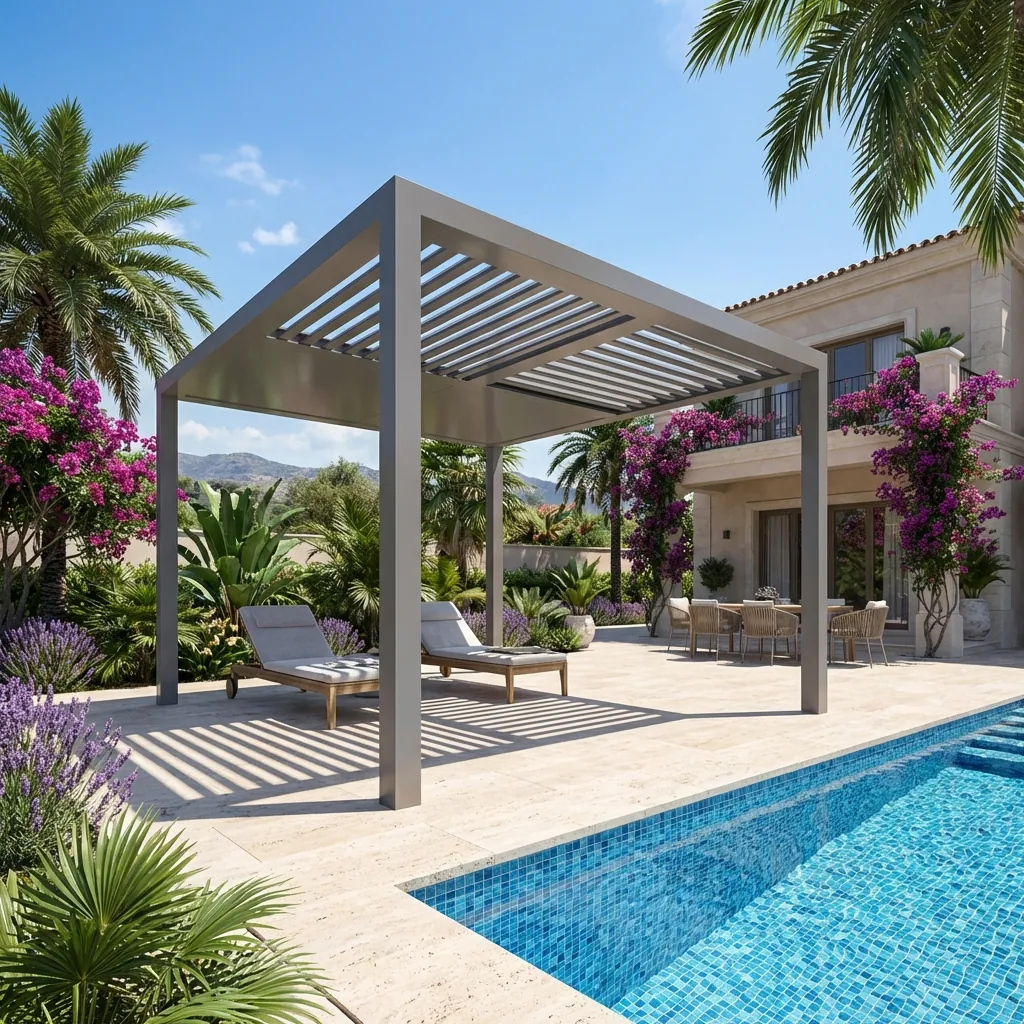
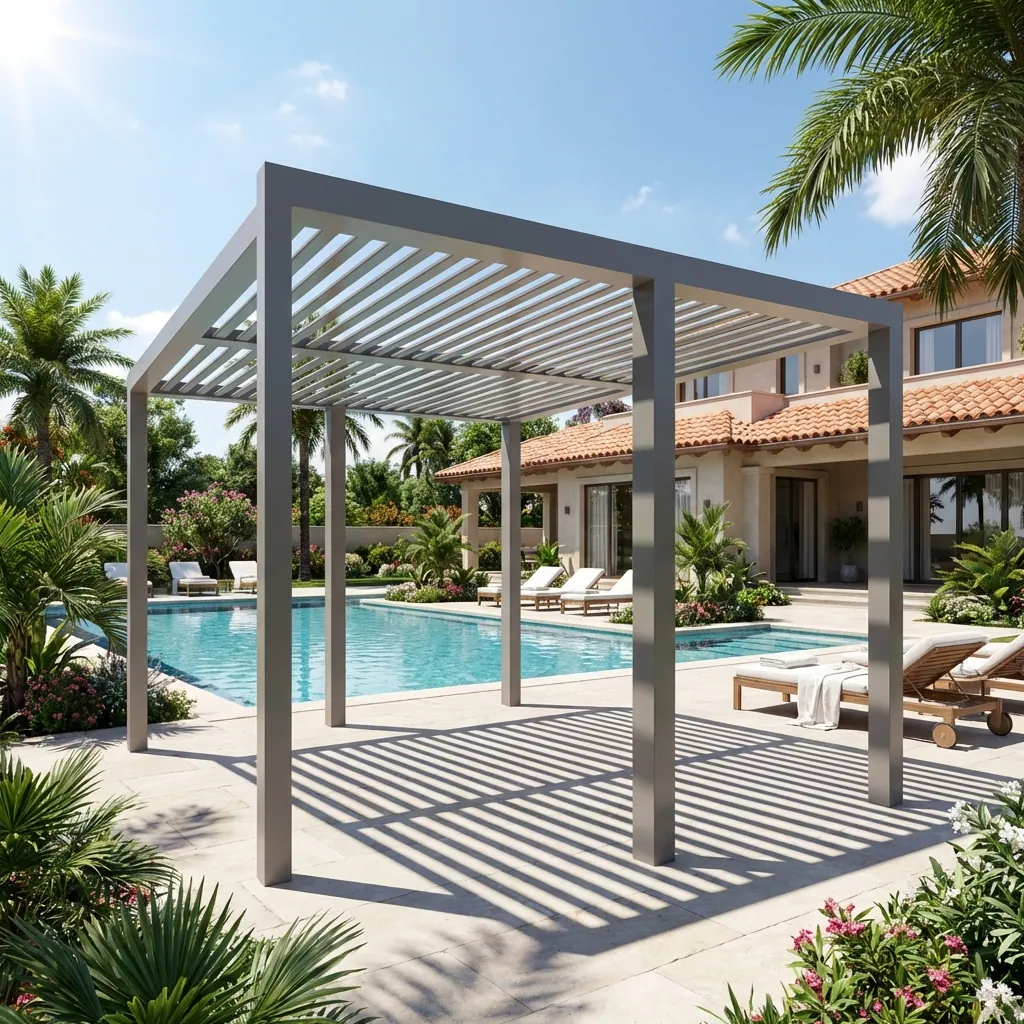
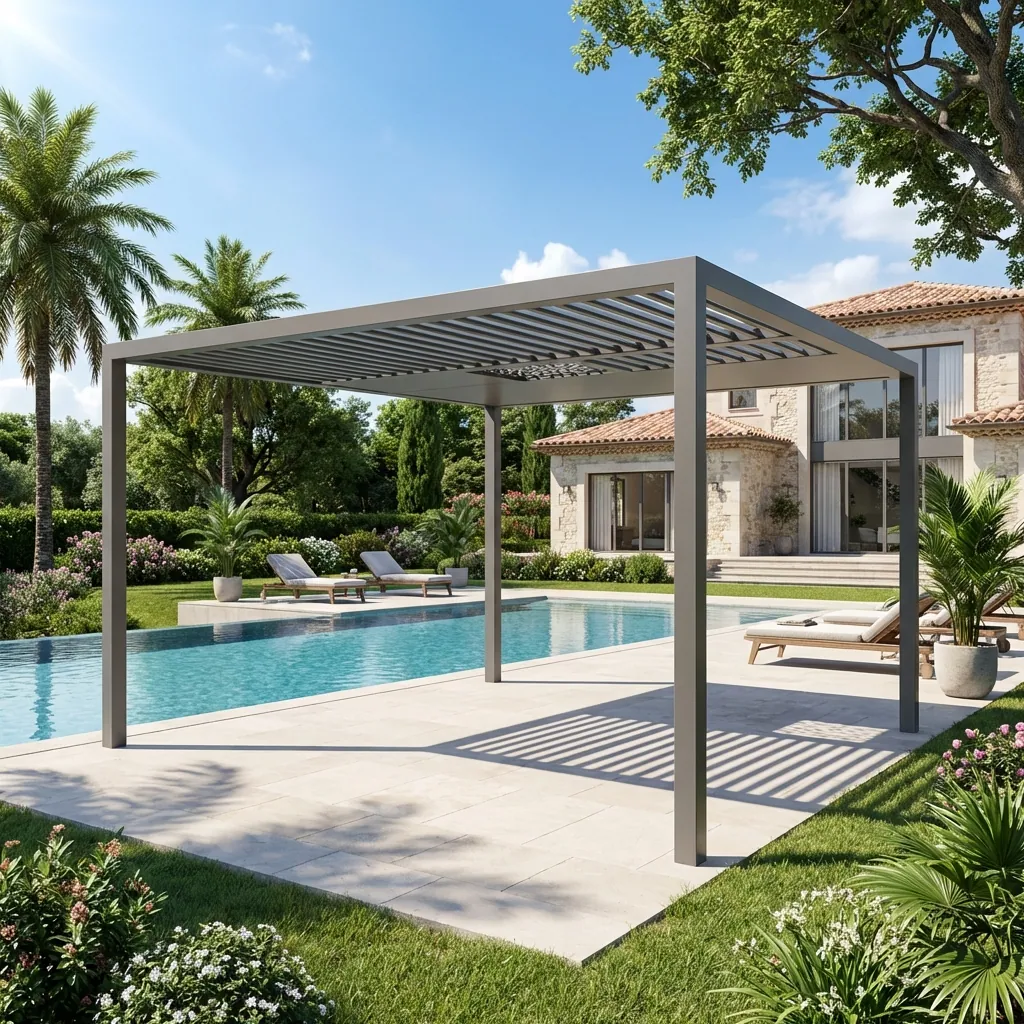
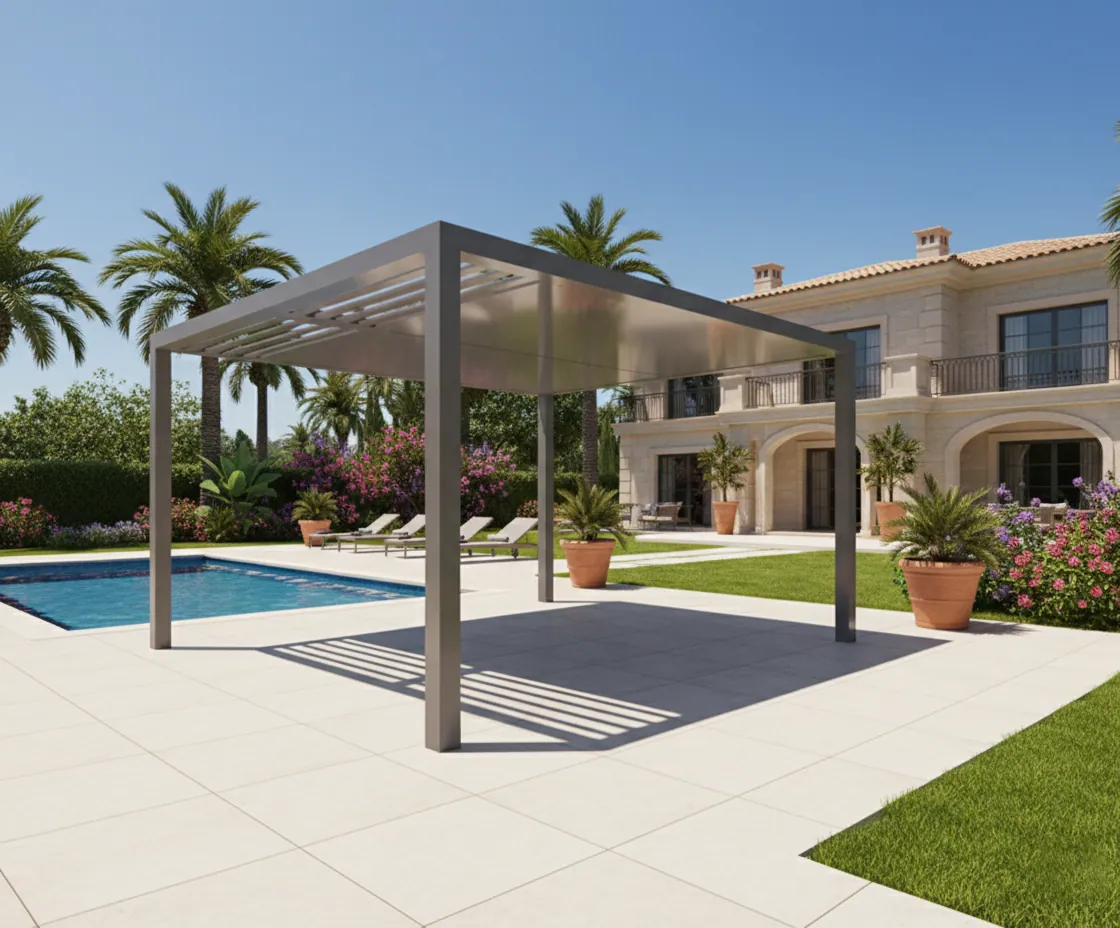
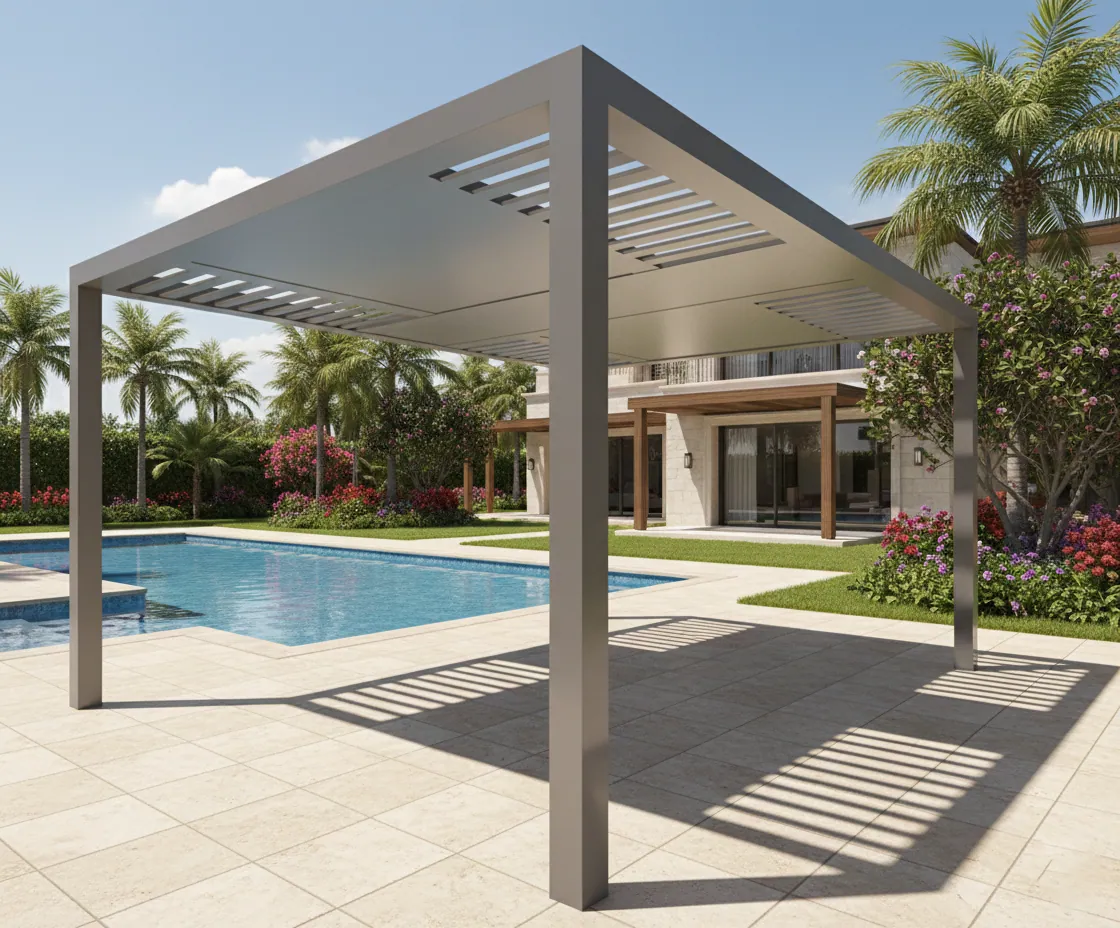
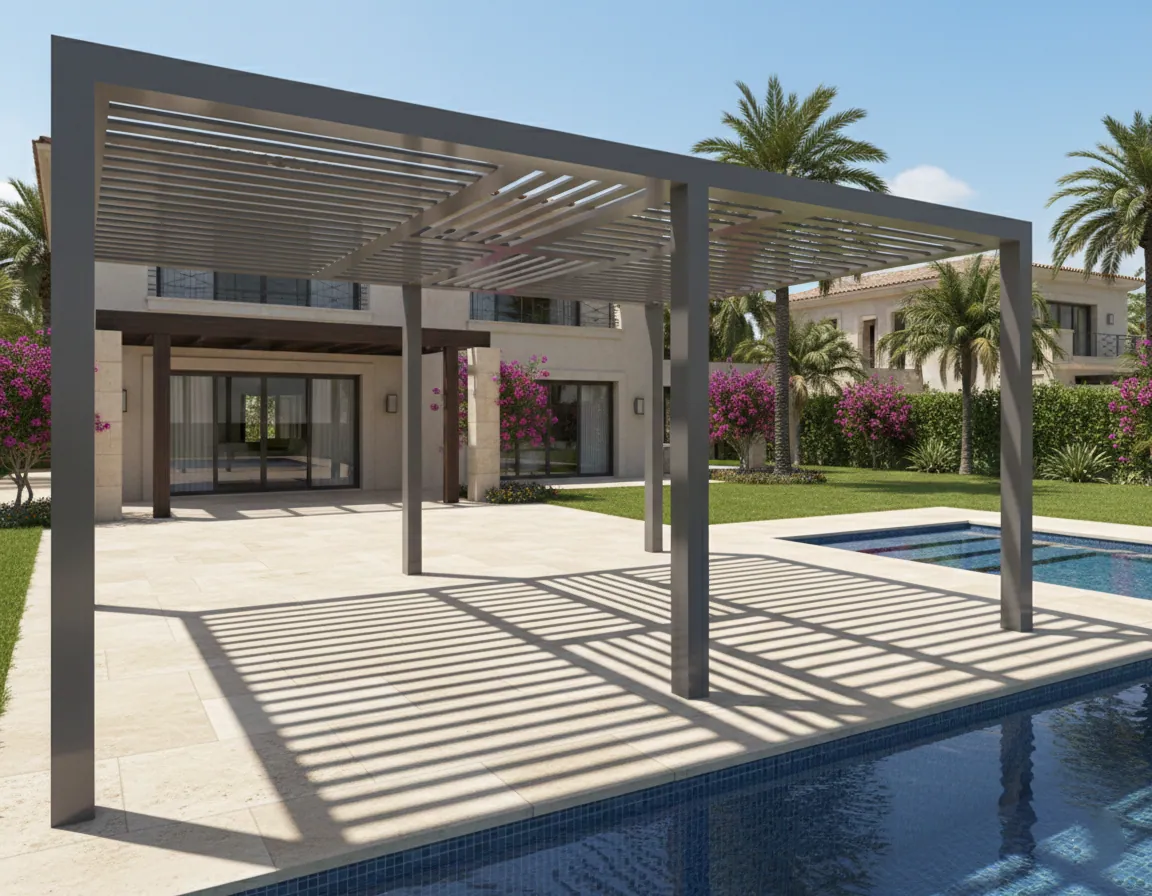
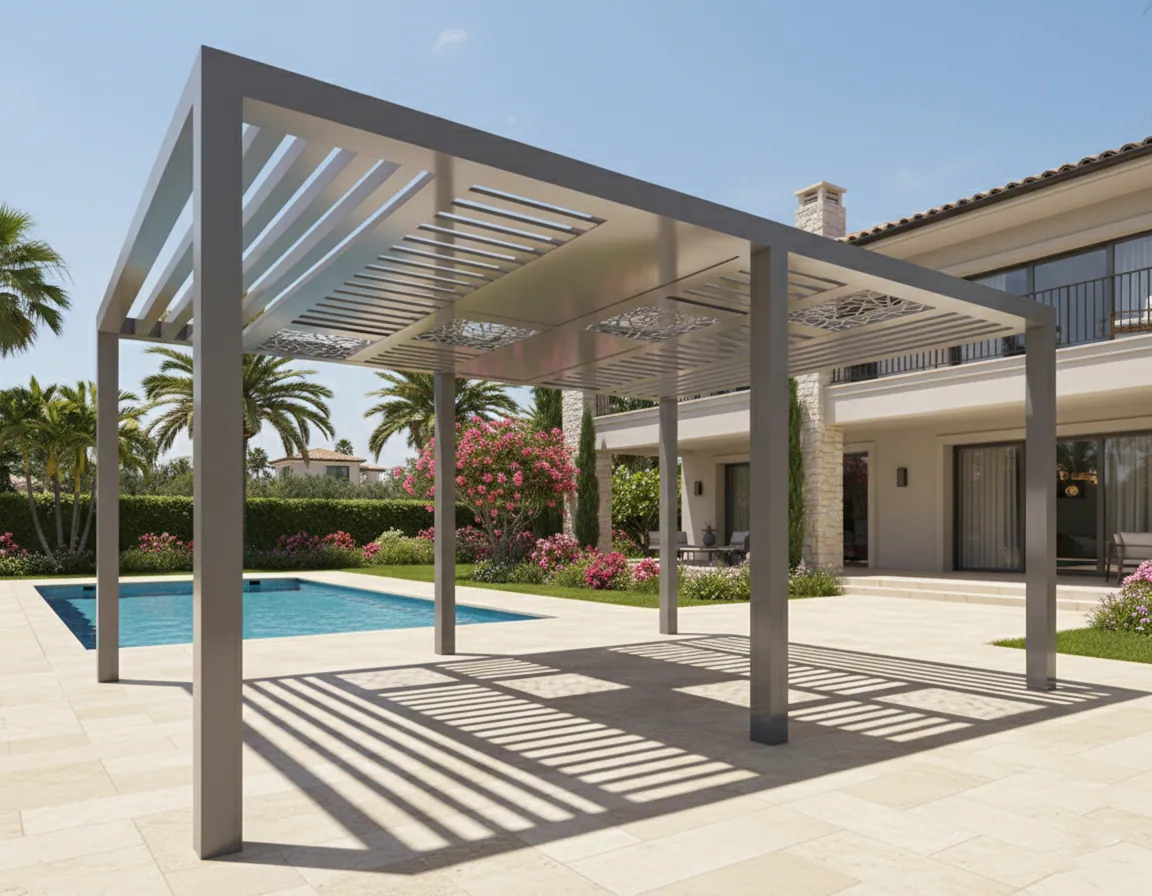

Executive Summary
I consolidated 20 separate Model Groups into a single, intelligent Parametric Family with data-driven logic. By implementing size-based types, instance design switching, and CSV lookup integration, I achieved a 95% reduction in browser clutter while enabling instant design iteration and eliminating scheduling errors.
The Challenge: Inefficiency in Design Options
Our team frequently utilizes a specific range of pergola designs for landscape projects. Previously, these assets were managed as Revit Model Groups.
The Old Workflow:
To achieve the necessary variations, we maintained 20 separate Model Groups. Each group contained individual beams, rafters, posts, and purlins modeled in place.
The Problems:
- Project Bloat: Copying multiple groups increased file size and cluttered the Project Browser.
- Rigidity: Changing a design size meant deleting the group and placing a new one, breaking any attached dimensioning or tagging.
- Confusion: Designers struggled to map specific product codes to the correct physical model group.
The Solution: A Unified "Super-Family"
I consolidated the entire library into a single, highly intelligent Parametric Family. This reduced 20 separate entities into one file that adapts to all necessary configurations through data-driven logic.
Size-Based Types
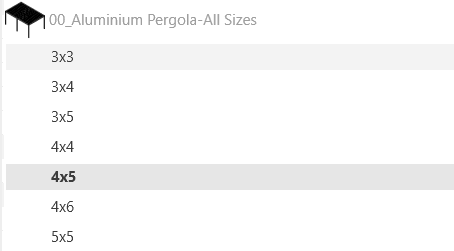
- • 7 Core Types: 3x3, 3x4, 3x5, 4x4, 4x5, 5x5, 4x6
- • Clean and intuitive type selector
Instance Design Switching
- • Integer parameter for design options
- • Instant geometry updates without type swap
Technical Deep Dive
1. Simplified Type Management (Size Control)
Instead of creating a Type for every single variation, I streamlined the logic by associating Family Types strictly with Size.
7 Core Types keep the selector clean and intuitive:
2. Instance-Based Design Switching
To handle design variations within sizes, I implemented an Integer Instance Parameter.
3. Integrated Shading Control
The louvered roof has four states — Closed, Partially Closed, Semi Opened and Opened — which need to behave like a single-select radio group rather than four independent checkboxes. Revit handles enum parameters awkwardly in schedules, so each state is its own Yes/No instance parameter and Opened is derived, never authored:
Opened = not(or(Semi Opened, Partially Closed, Closed))
This keeps the states mutually exclusive by construction — there is no combination of user input that can produce two open states at once — while staying fully readable in schedules and tooltips.
4. Combinatorial Output Rules
The real complexity lives in the visibility parameters that decide which geometry renders for a given size × roof state × design number triple. Every rule is a compact boolean expression that asks all three questions at once:
                                        Partially_Closed_Aluminium_Pergola-3x4-A0312 =

                                            and(or(Closed, Partially Closed), [3x4], Design Number < 2)


                                        Semi_Opened_Aluminium_Pergola-4x6-A1724 =

                                            and(Semi Opened, [4x6], Design Number > 2)
Because every rule is a pure AND/OR expression over shared parameters, adding a new size or roof state means adding new toggles and formulas — never editing existing ones. That property is what keeps the family maintainable as the catalogue grows.
5. CNC Decorative Panels as an Independent Module
A pergola’s laser-cut infill pattern is chosen independently of its size or openness, so the CNC system was built with its own counting and placement logic rather than being folded into the frame matrix.
A counting rule maps a panel count of 1–5 to one of six discrete layout templates, each carrying pre-defined X/Y anchor points per panel — centred single panel, two-panel symmetric split, three-panel asymmetric row, and staggered four/five-panel grids.
Why it matters: designers pick a count, the layout template handles placement, and the frame-size system never needs to know CNC exists. Each system can change without touching the other.
6. Safe Customization Surfaces
Not every parameter should be editable by every user, so the surface is split into two deliberate tiers:
Type parameters
Frame size selectors and fixed structural relationships. Changing these changes every instance of that type.
Instance parameters
Roof-state toggles, search-by-code input, and separate Material slots for Posts, Beams, Purlins, Rafters and CNC Parts. Changing these affects only the placed instance.
This tiering is what makes the family usable by non-modelers: a coordinator can flex the roof state or swap a beam finish on one placed pergola without cascading that change across the whole project.
7. Documented as a BIM Guideline
The formulas above are unreadable to anyone who did not write them, so the final phase was translation: an 18-slide guideline deck that walks a new team member from “why this approach” through the size matrix, the roof-state derivation, the output-rule tables, the CNC counting system, Material parameters and a QA validation checklist — each slide pairing the real formula syntax with a plain-language explanation and a worked example.
Smart Data & Reverse Lookup
One of the biggest friction points for designers was knowing which Revit configuration matched a specific manufacturer Product Code. I solved this using Revit Lookup Tables.
Feature A: Live Code Feedback
I created a calculated text parameter that reads the current Size and Design Integer to display the current "Pergola Code."
Feature B: Reverse Search Engine
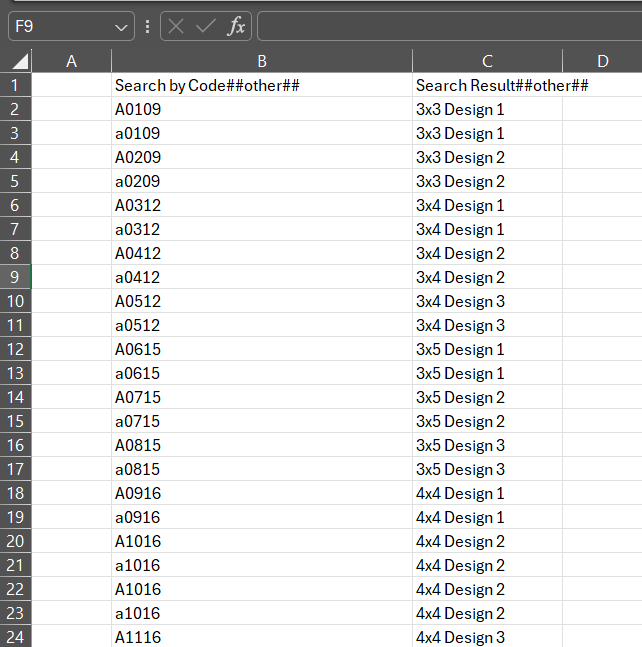
I implemented a "Search" text parameter connected to an external CSV lookup table. If a designer has a specific code (e.g., A0109) but doesn't know the parameters, they paste the code into the "Search" field. The family returns the exact Size and Design Number required.
This bridges the gap between technical Revit properties and actual architectural specifications.
// CSV Lookup Example
Search Input: "A1016"
→ Output: Size = 4x4, Design = 2
Impact & Results
- Browser Clutter Reduction
- ~95%
- Model Groups Replaced
- 20 → 1 Family
- Design Iteration Speed
- Seconds vs Minutes
- Scheduling Errors
- Eliminated
- Data Integrity
- 100% Product Code Match
What This Demonstrates About Me
- • System Design Mindset: Thinking beyond "modeling" to engineer data structures.
- • User-Centric Design: CSV lookup bridges designer needs with technical specifications.
- • Optimization Focus: Converting static geometry into intelligent logic for maximum efficiency.
- • Scalability: Building flexible systems that adapt to multiple use cases without duplication.