
Photoreal Texture Pipeline
Directing AI to build a Python pipeline that turns photographs of real cast pavers into validated, seamless albedo and displacement maps for Enscape.
Before & After
Seven Decado Finishes, Rebuilt
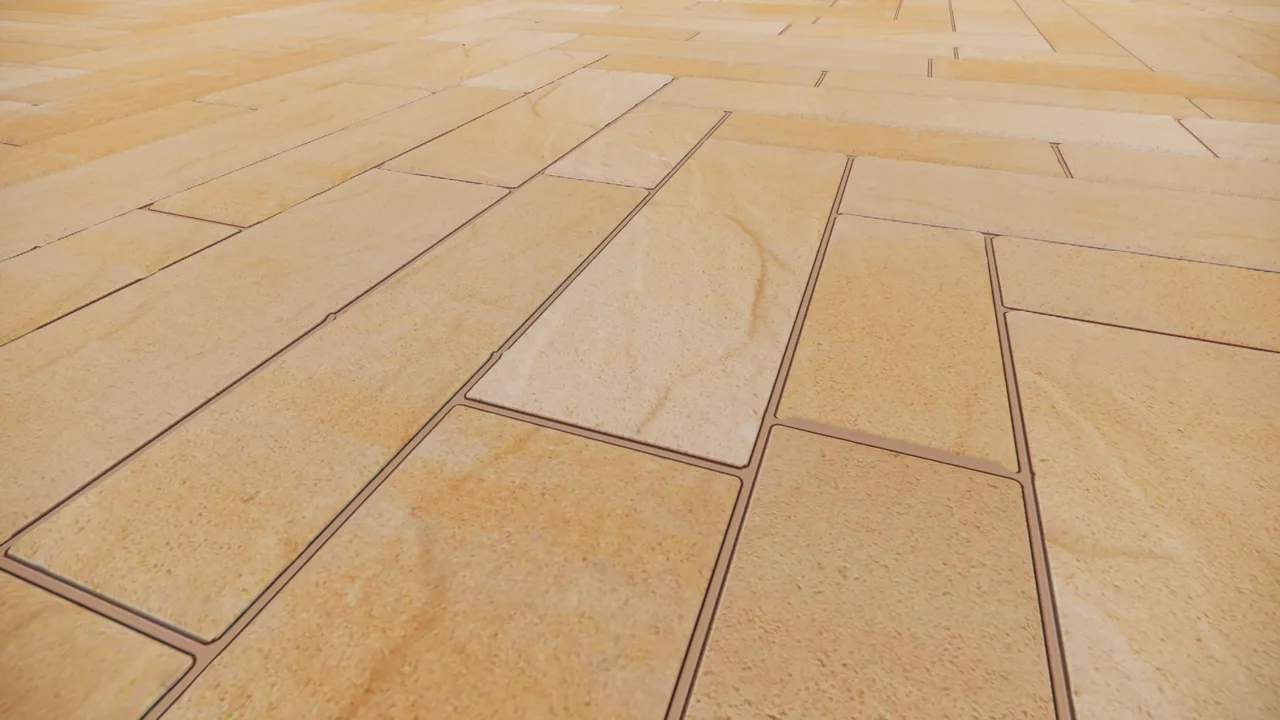
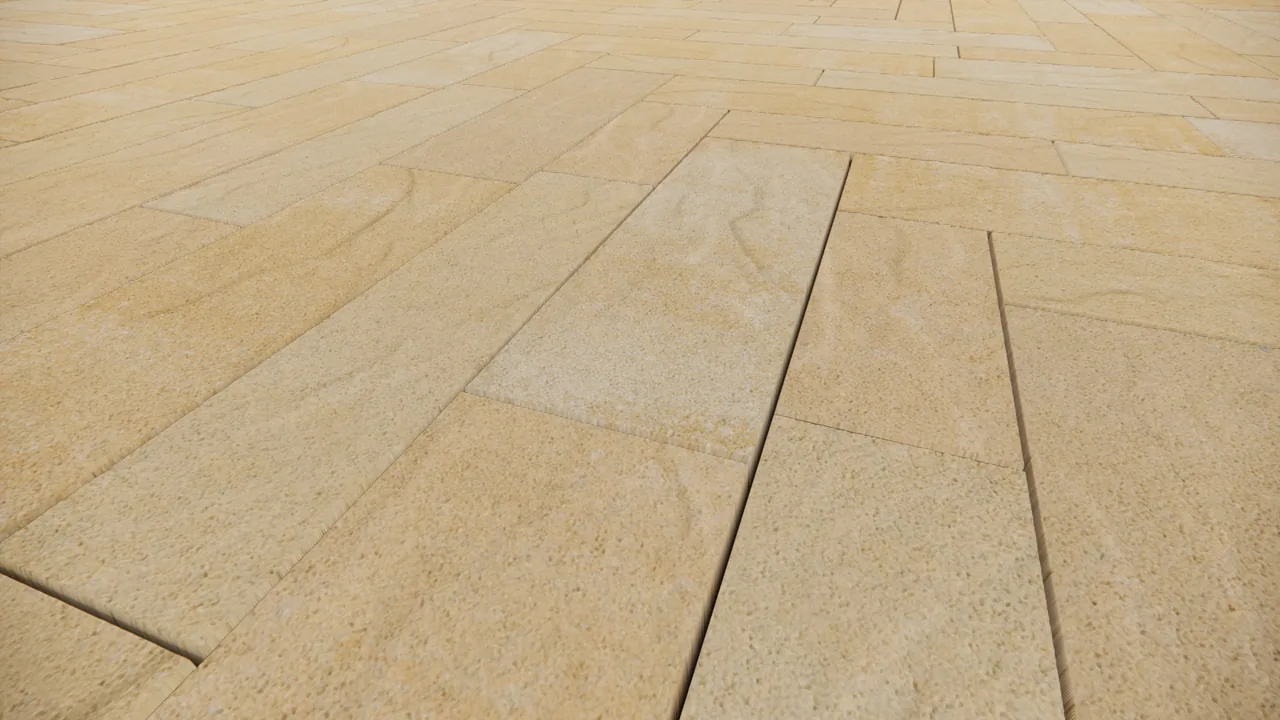
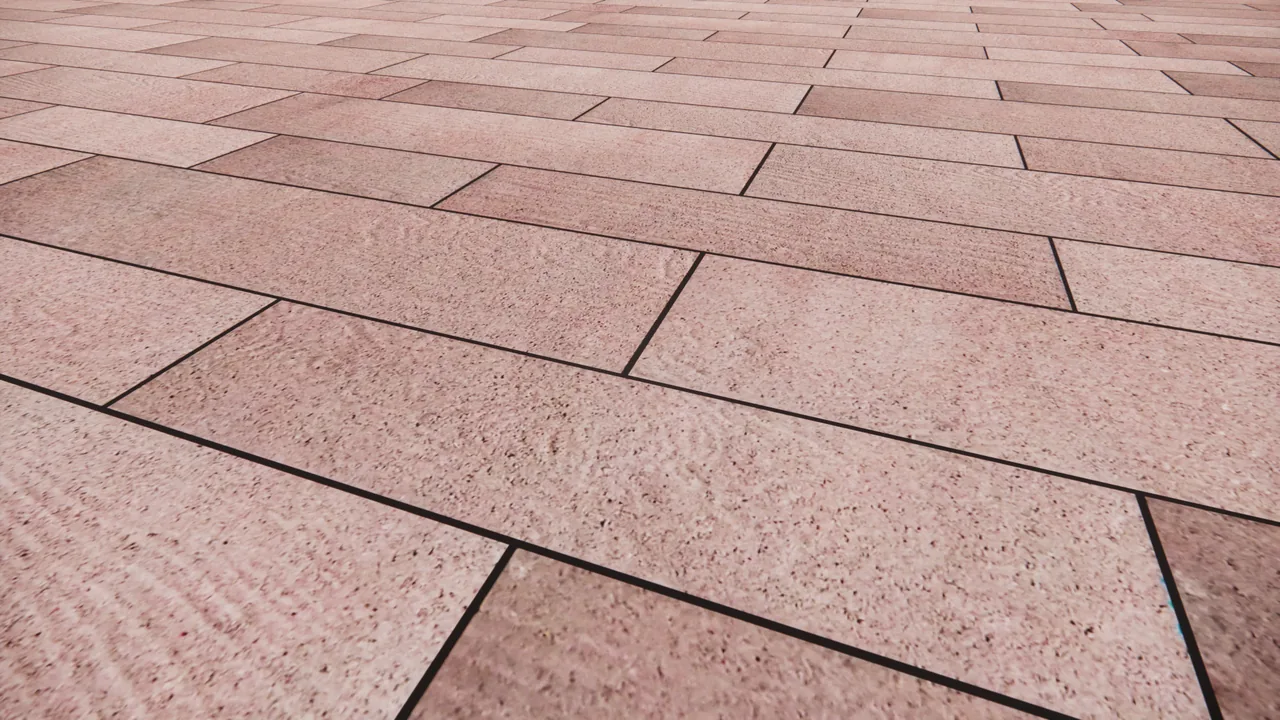
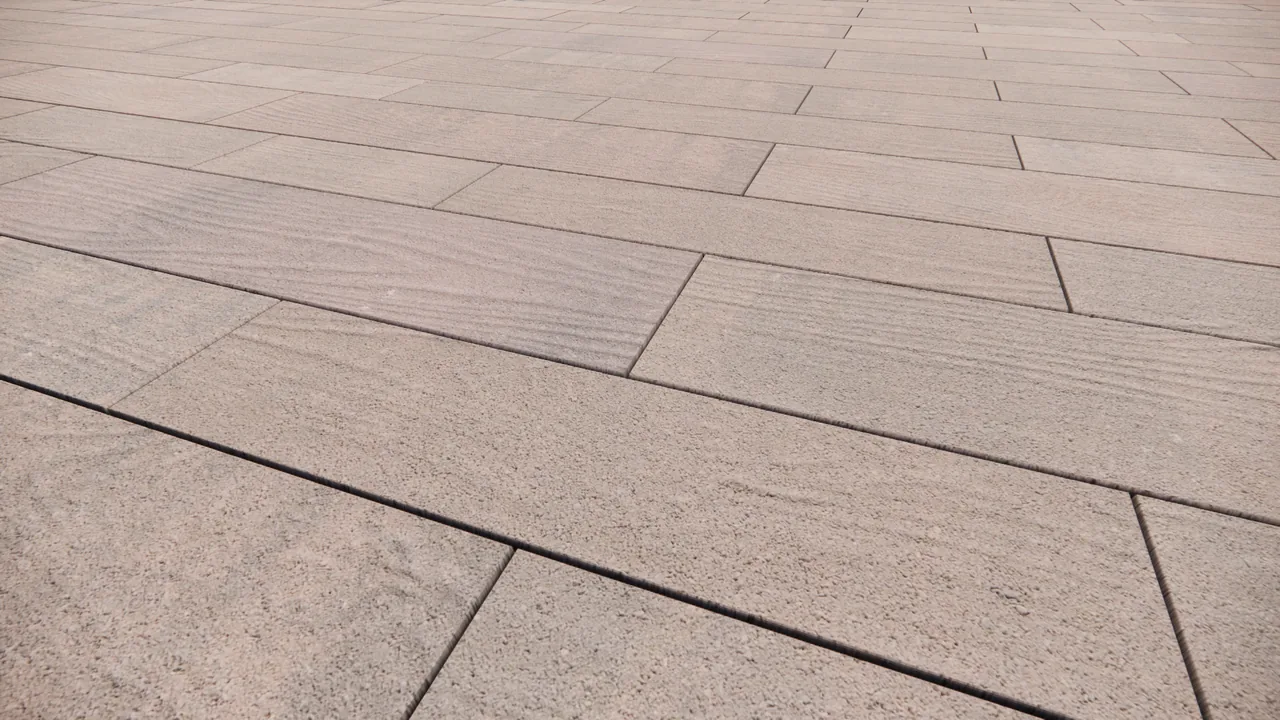
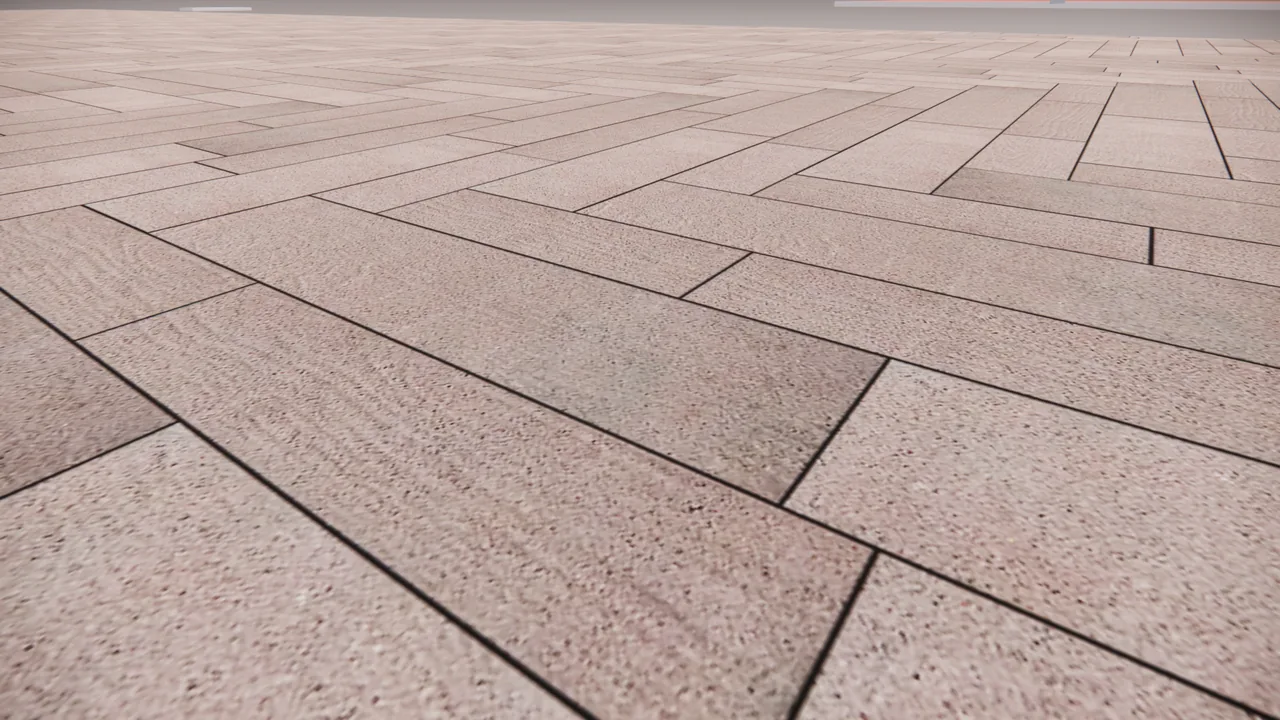
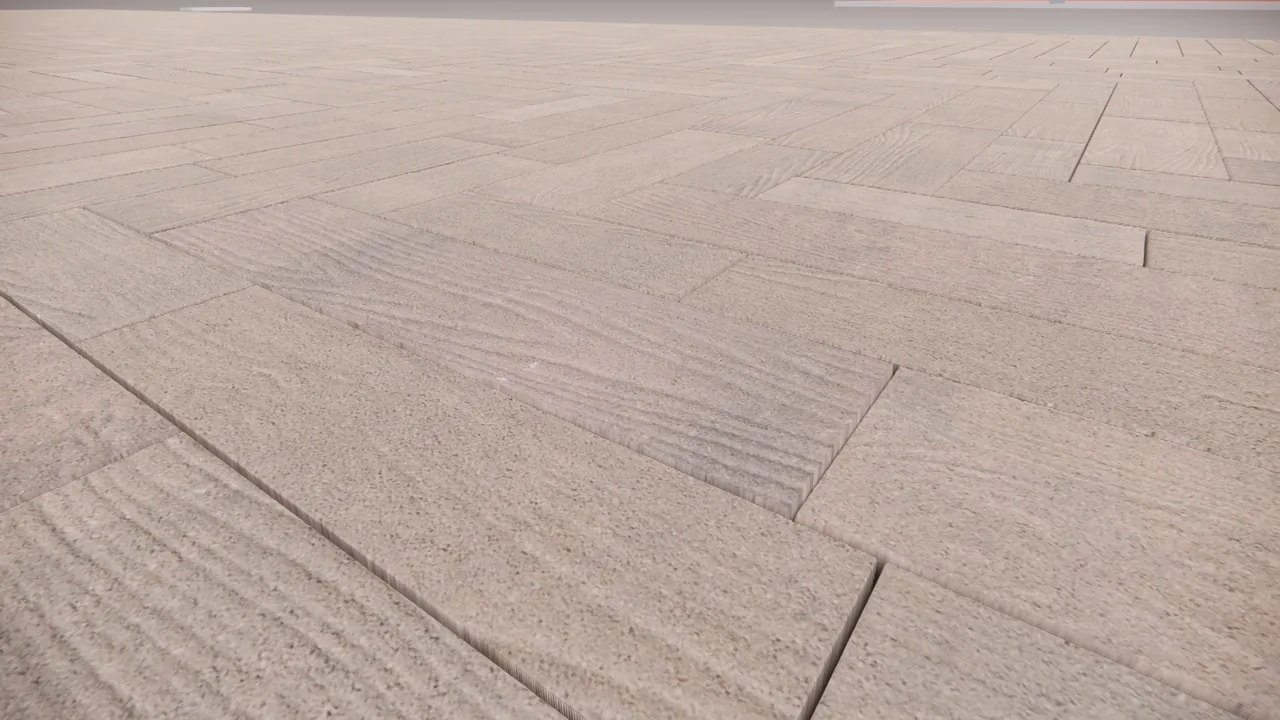
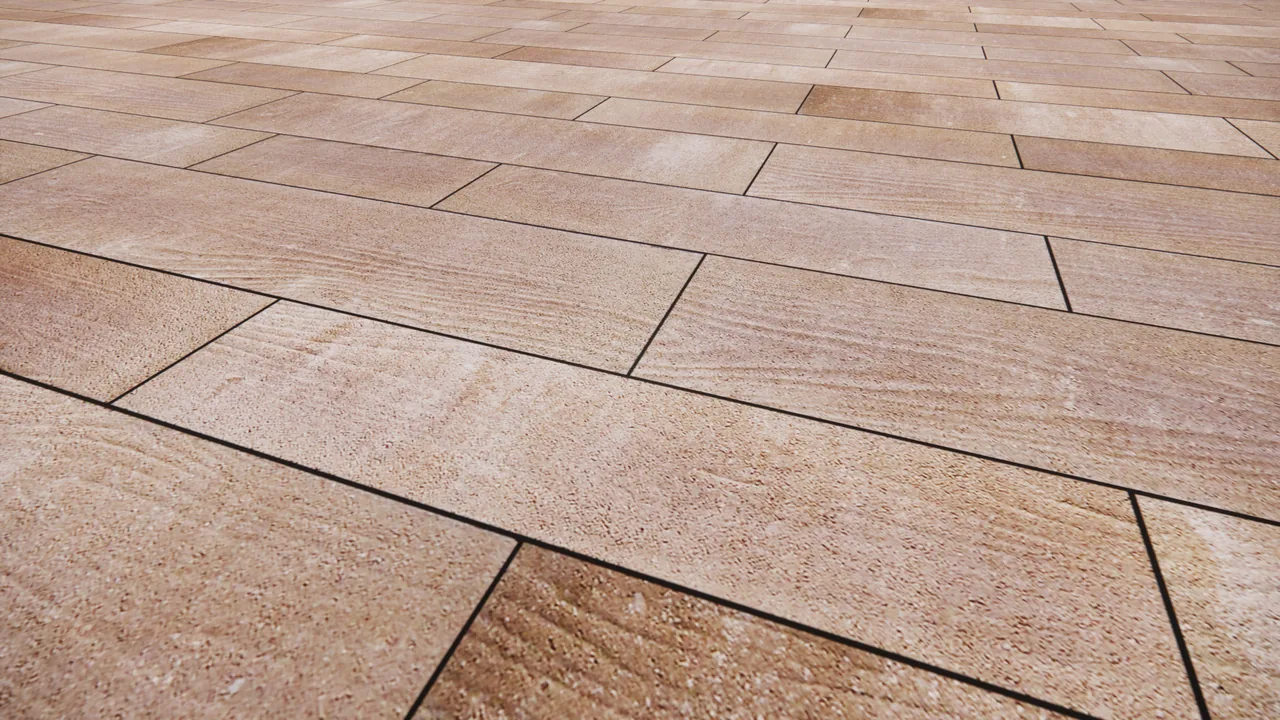
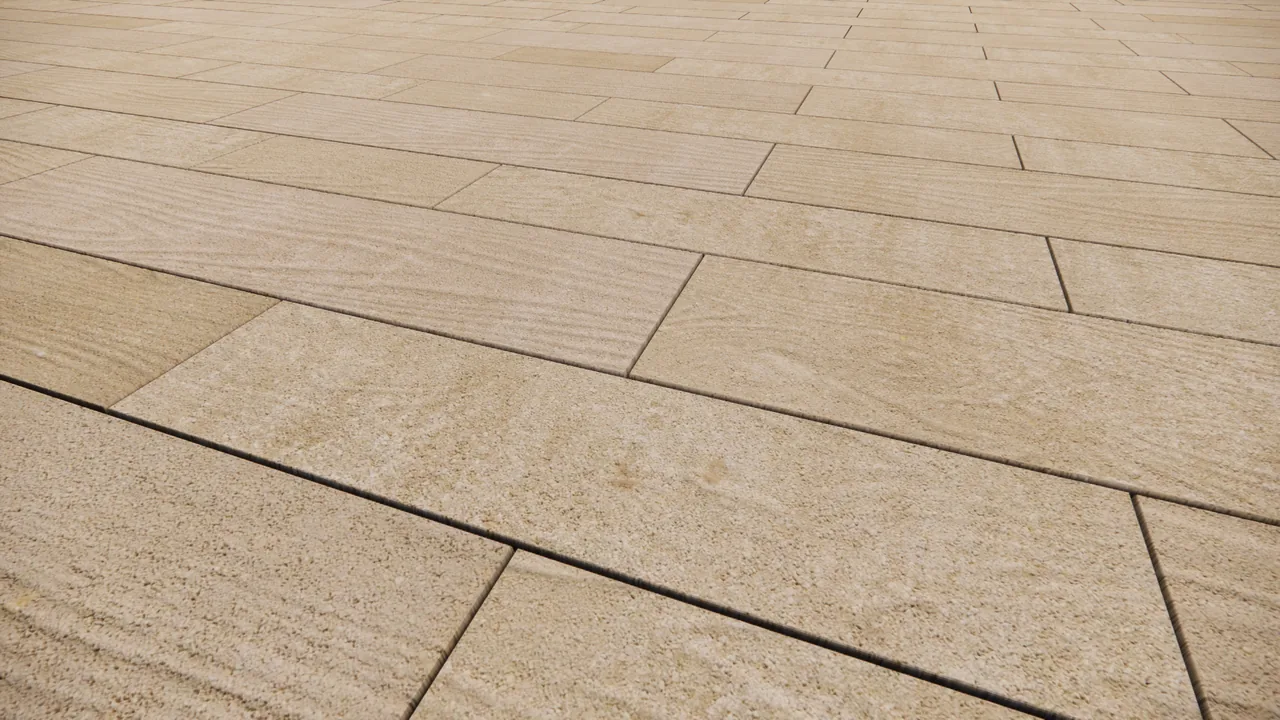
Same camera angle, same lighting — only the material replaced. Left is the flat placeholder every render used before this pipeline; right is the generated albedo and displacement pair.
-
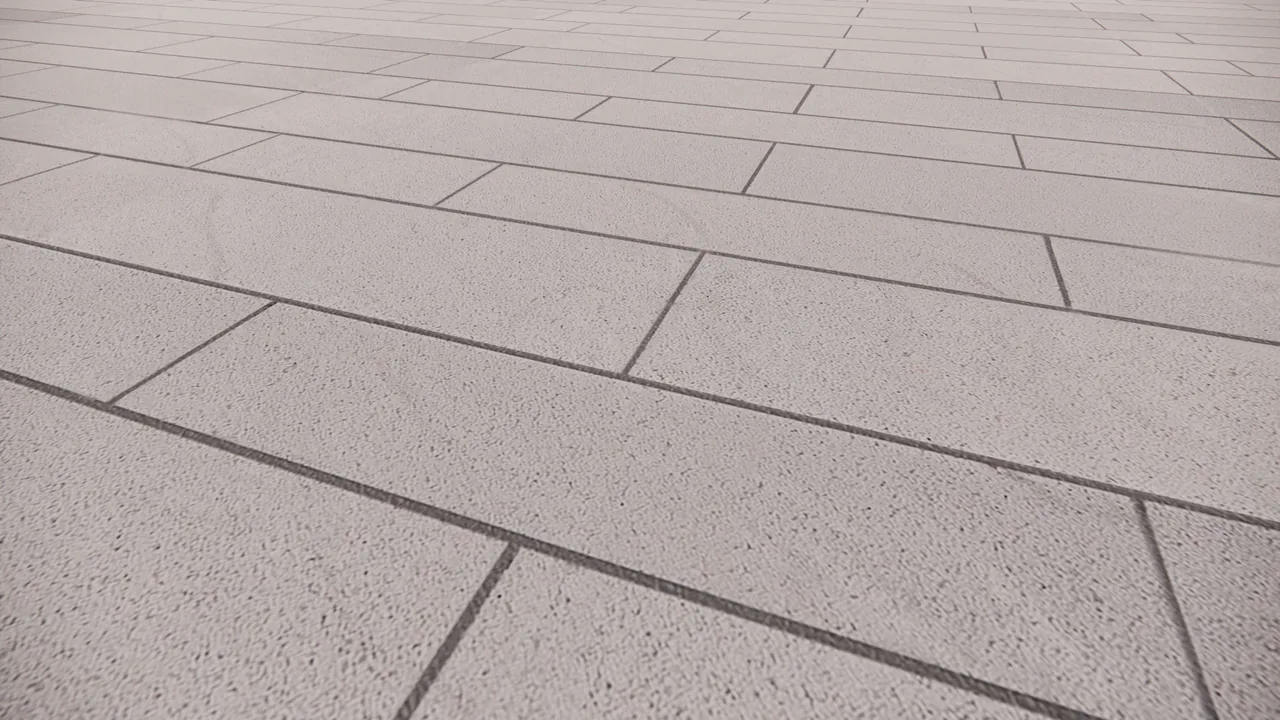 BEFORE
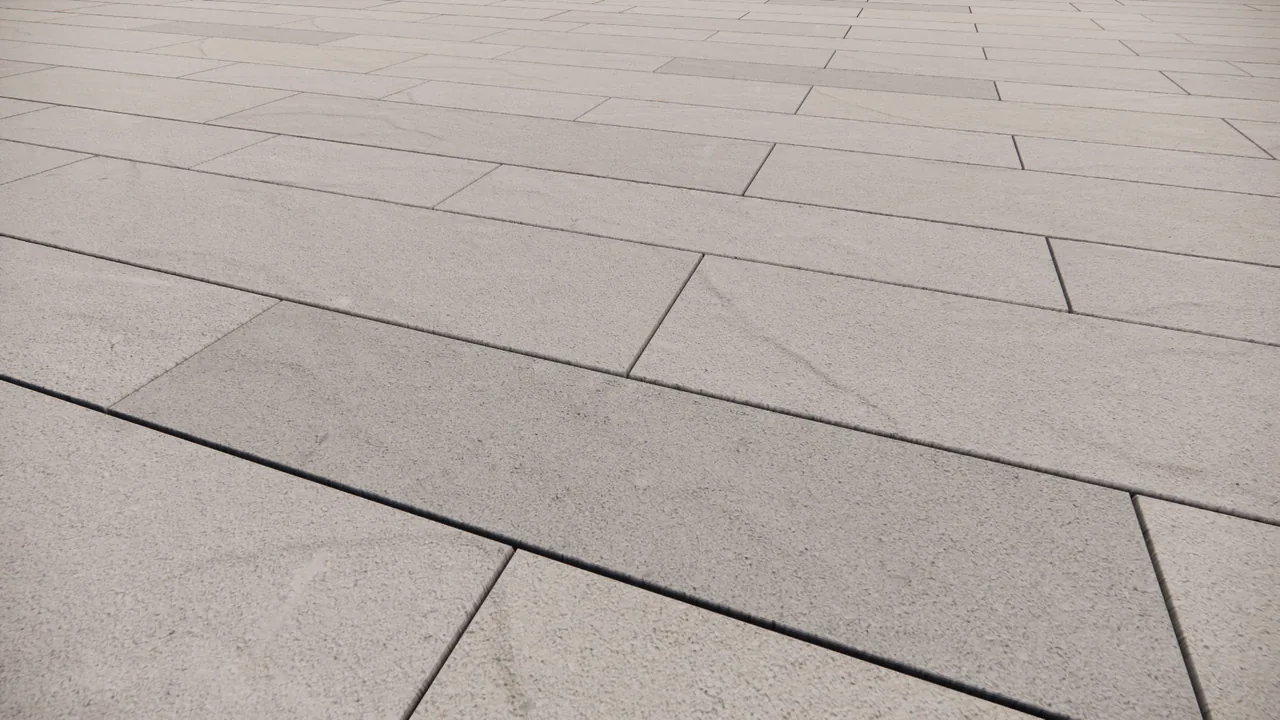 AFTER
AFTER
Decado — Ivory Riven (1 of 3 Riven)
-
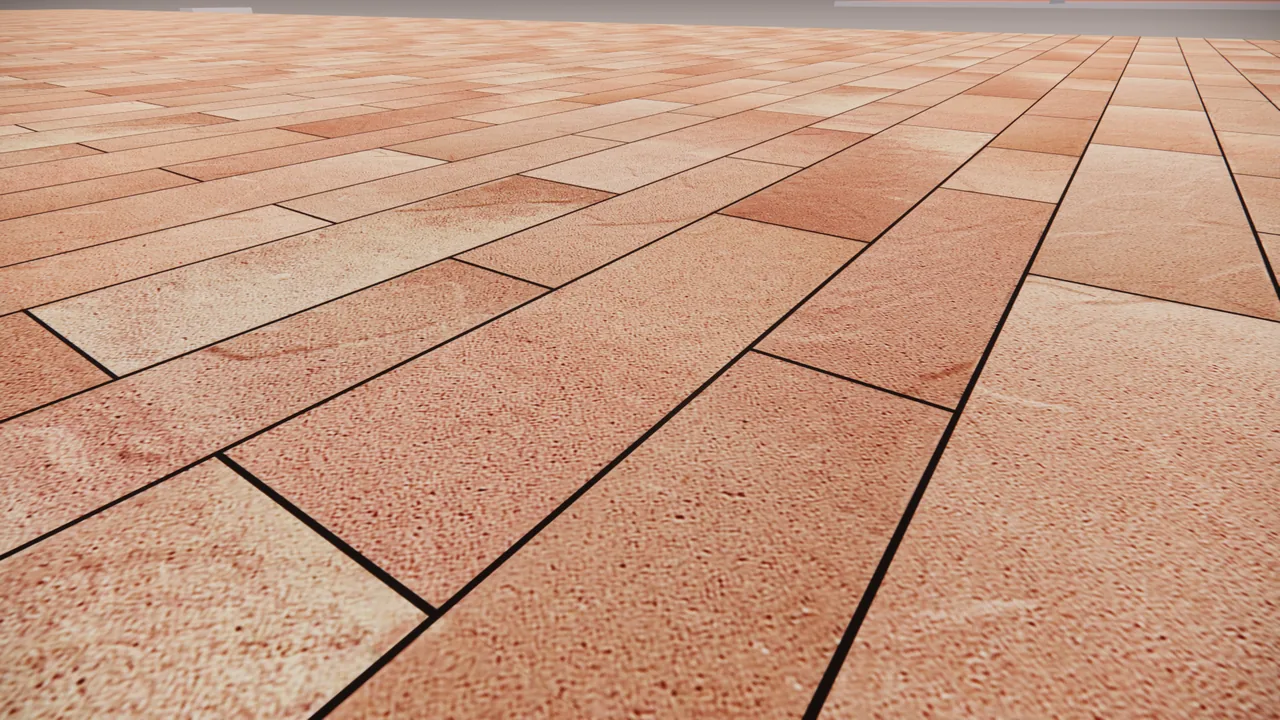 BEFORE
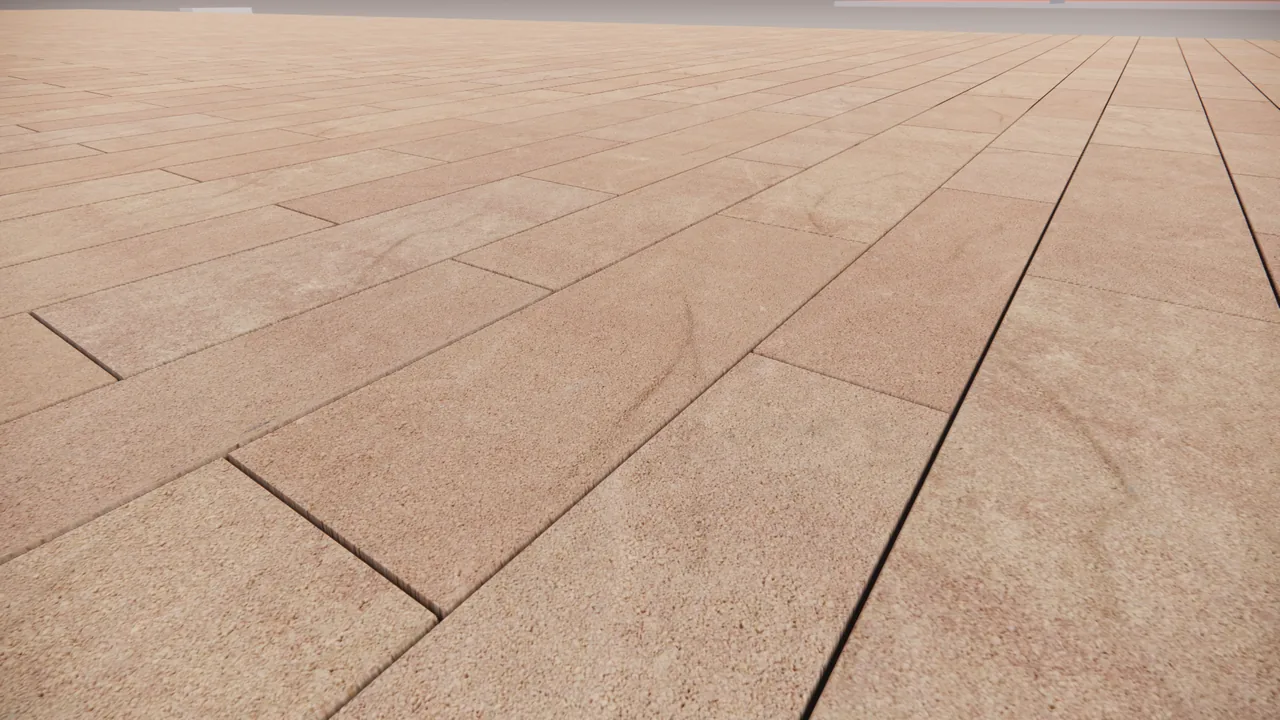 AFTER
AFTER
Decado — Moka Riven (2 of 3 Riven)
-
 BEFORE
 AFTER
AFTER
Decado — Desert HB Riven (3 of 3 Riven, Herringbone)
-
 BEFORE
 AFTER
AFTER
Decado — Rosewood (1 of 4 Wooden)
-
 BEFORE
 AFTER
AFTER
Decado — Rosewood HB (2 of 4 Wooden, Herringbone)
-
 BEFORE
 AFTER
AFTER
Decado — Hazel Wooden (3 of 4 Wooden)
-
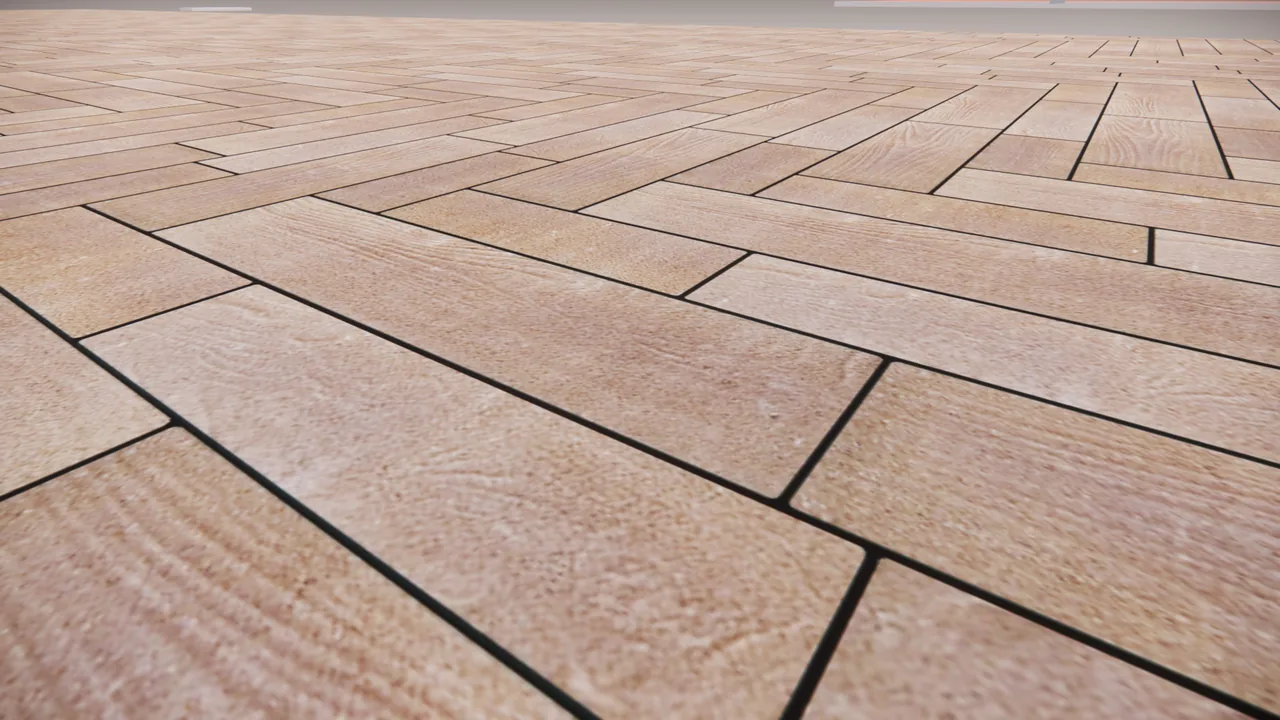 BEFORE
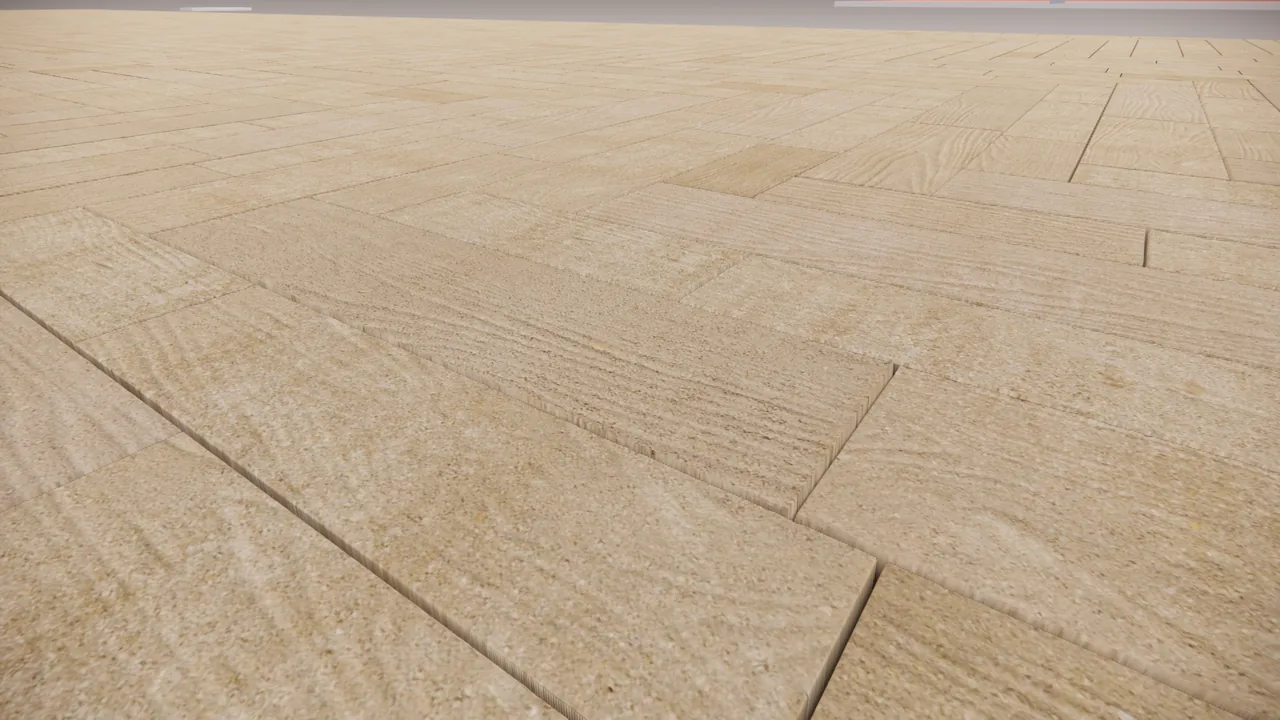 AFTER
AFTER
Decado — Hazel HB Wooden (4 of 4 Wooden, Herringbone)
Key Techniques
Generated Tile Maps
Fifteen photographs of real cast pieces become one seamless albedo and displacement pair covering the whole panel.
Spectral Calibration
Face relief is shaped to a profile measured off a real sample, so grain sits at the right scale rather than the right amplitude.
Layout Optimisation
Casting assignment is annealed to even out brightness and push repeats apart — 60 apparent variants from 15 source files.
Asserted Validation
Every build checks exact grid cover, cross-joint height and aspect error before it ships.
Project Stats
- Role: R&D — AI-directed
- Pipeline: Python (numpy / scipy)
- Patterns: Stack bond + Herringbone
- Output: Albedo + Displacement
- Engine: Revit / Enscape
Project Overview
An initiative to move every Enscape render off flat placeholder materials and onto photorealistic textures — making pavers, slabs, wall systems and family assets match their real-world references in colour, pattern and material quality.
It has two halves: a library-wide realism pass across every material a project touches, and a generated texture engine for the Decado paver range, where the geometry is regular enough to synthesise rather than photograph.
The Workflow
Every material follows the same six-step pipeline, from a real paver on a table to an approved map inside Enscape.
Shoot the pavers
Reference photography of the real cast pieces.
Clean up & crop
Photos are corrected and isolated per piece.
Build the pattern
Pieces are assigned and tiled into a seamless panel.
Create displacement maps
Surface relief is derived from the same reference set.
Apply in Enscape
Albedo and displacement maps are wired into the material.
Test render & review
Test renders are reviewed against the reference and revised until approved.
Scope of the realism pass
Pavers
Decado, Trento, Villagio, Brunello
Slabs
Flat, Riven, Pinstriped, Waves
Wall systems
Decado, Stones
Families
Fountains, kitchens, pergolas
Each material gets a core map calibrated against reference photography, handed to the BIM modeler for rollout across every colour variant, then checked back against the real product — and where a texture does not hold up, rebuilt from fresh reference imagery.
The Decado texture engine
Decado ships as five piece sizes in three castings each — fifteen physical pieces that tile into a repeating panel. I directed AI to build a Python pipeline that turns fifteen photographs into a seamless albedo and displacement map for the whole panel, in two bond patterns.
| Parameter | Stack bond | Herringbone |
|---|---|---|
| Tile | 1120 × 840 mm | 2240 × 2240 mm |
| Resolution | 5.671 px/mm | 2.836 px/mm |
| Joint | 2 mm wide, 6 mm deep (3:1) | |
| Arris | Square, no chamfer · 2.1 mm pin | |
| Pieces per tile | 15 | 80 |
Physically Based Rendering Maps
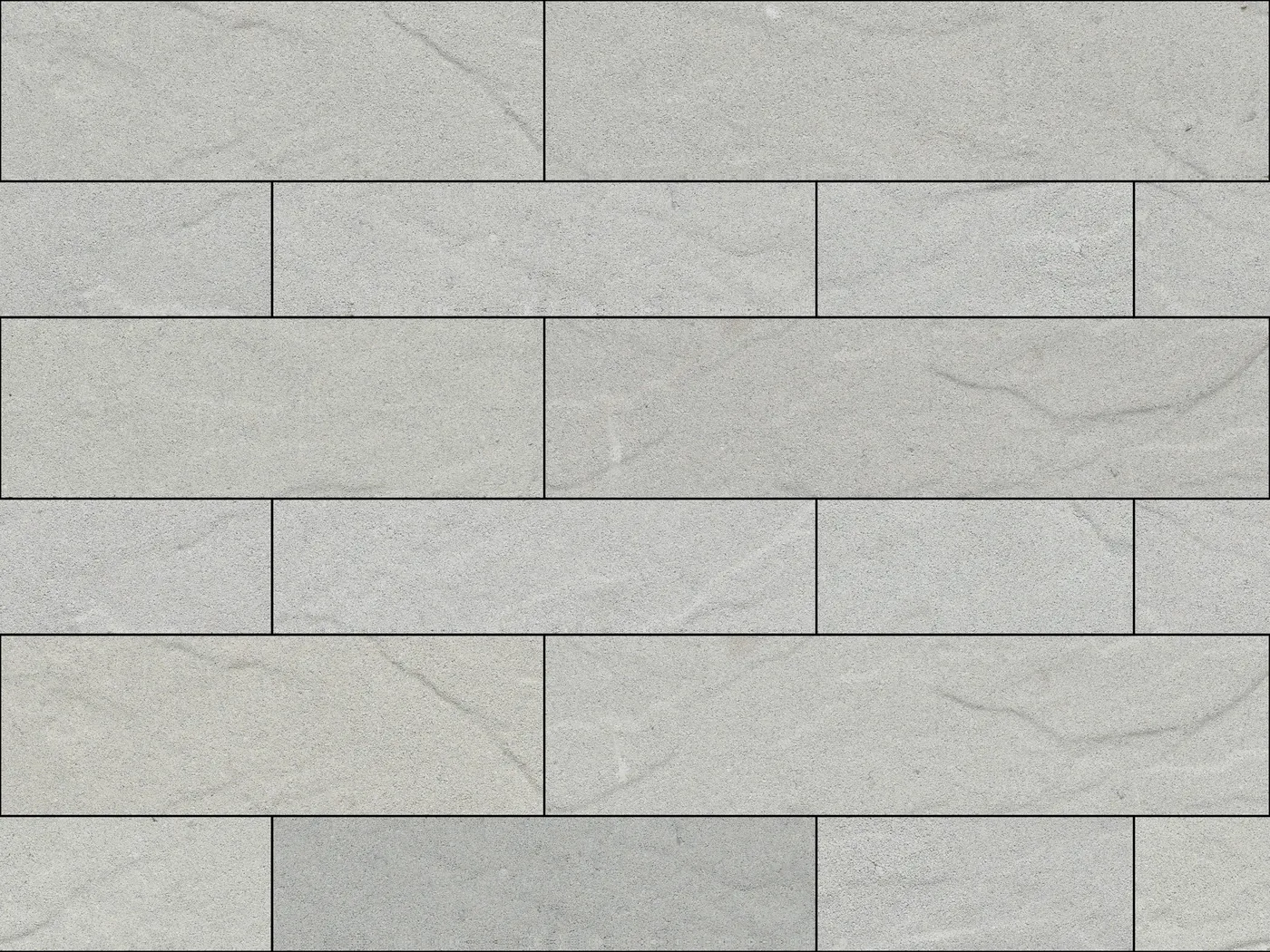
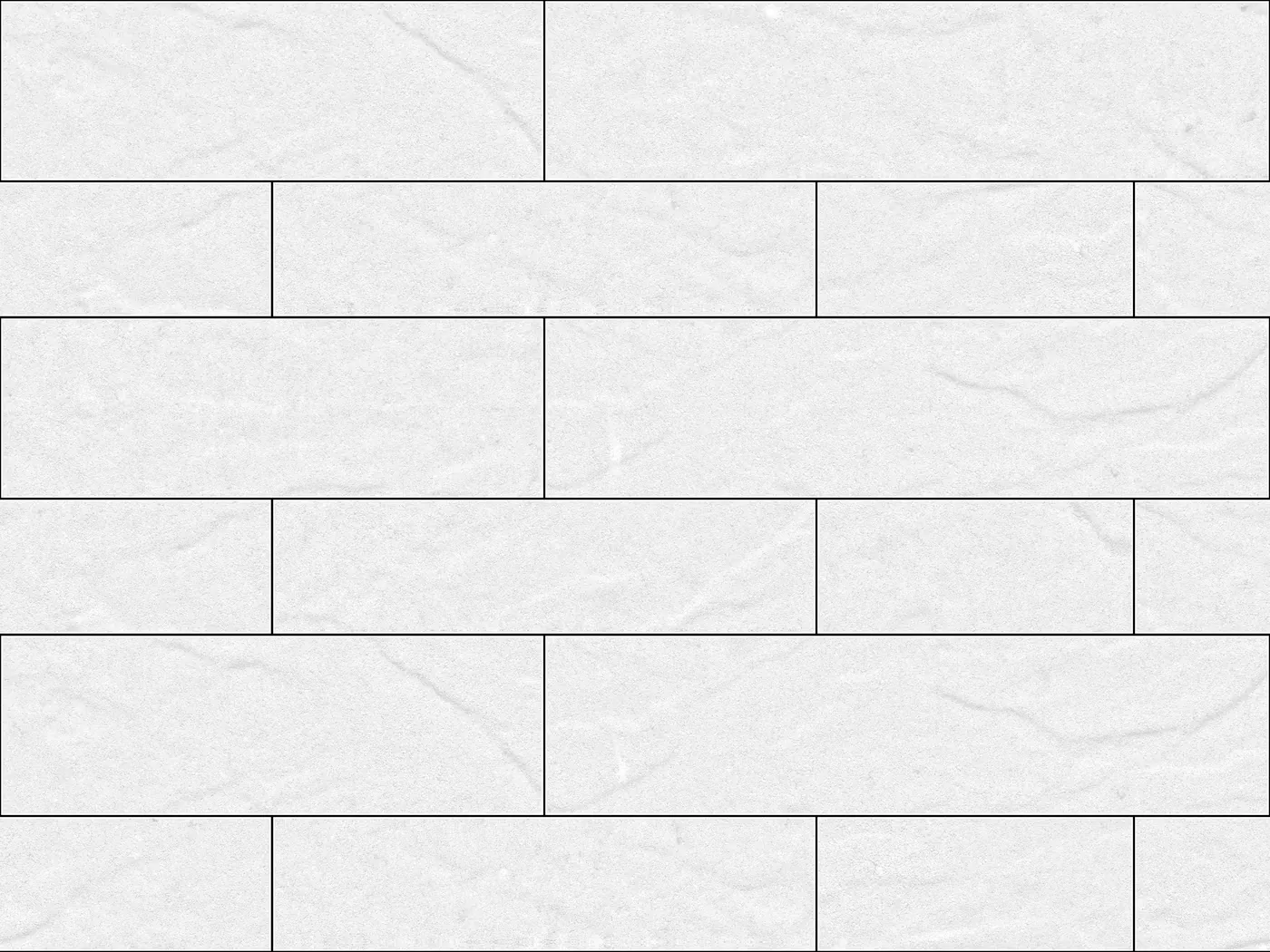
The pipeline outputs two of the maps a PBR material needs: an albedo map carrying colour and pattern only, and a displacement map that actually reshapes the surface geometry rather than faking depth with shading.
Albedo (original)
Flat colour and pattern — carries no depth information on its own.
Bump
Fakes depth with shading on a surface that stays geometrically flat.
Normal
Fakes finer relief with per-pixel lighting direction, still flat underneath.
Displacement
Actually changes the surface geometry — the map this pipeline generates.
Engineering lessons
Most of the work was diagnostic. Each of these cost real iterations before the cause was understood:
“Too rough” means spatial frequency, not amplitude
Several builds were rejected as rough. The cause was detail sitting at 5–11 mm — stipple-sized. The real surface is ~97% sub-2 mm aggregate plus soft creases at 18–49 mm, with almost nothing between. Reducing amplitude does not fix that; moving the band does.
Never measure a spectrum across the joints
Joints are sharp, high-contrast edges that dominate any frequency measurement taken across them. Two full rebuilds were shaped against a contaminated measurement and came out with less fine grain than the source.
A darker paver is not a lower paver
Blurring across a black joint drags pale pieces upward in the height map — at one point producing a +0.92 correlation between piece tone and piece height. Subtracting each piece’s own median removes the coupling structurally.
The rolled edge is what makes pieces look unlevel
A shoulder pinning each face down at its perimeter gives a bright lip one side of every joint and a dark one on the other. Removing it entirely is worse — a 1.69 mm step. The 2.1 mm pin is the balance point, and the metric that matters is the height difference between the two faces meeting at a joint.
Validate with an invariant that can see the failure
Bounding-box fill reads 0.994 even when two pieces have merged sideways — the union of two rectangles is still a rectangle. Counting labelled regions and asserting exact grid cover is the check that actually works.
Outcome
A full realism pass across the material library, and for Decado a repeatable pipeline: fifteen photographs in, a validated seamless albedo and displacement pair out, in either bond pattern — with the parameter set settled so a rebuild is one command rather than a re-derivation.
These maps became the foundational visualisation assets that downstream plugins and every subsequent Enscape render draw on.