
Floor Tools
In-place floor edits that keep a floor a floor.
Modify panel
What it does
The one Modify group that does not fall back to DirectShapes. Boundaries and openings are reshaped through a shared sketch editor, preserving parameters, phase, workset, tags, dimensions and schedule references. Inputs are in metres here, not centimetres.
Feature by feature
Capabilities
Floor Splitter
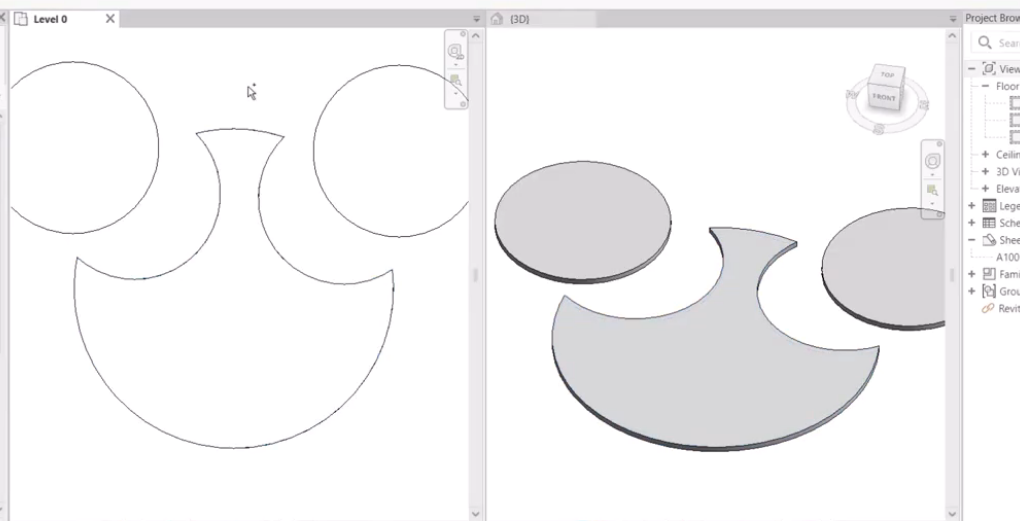
Pick floors and drawing lines in one pass. Closed loops inside a floor become cutouts; lines crossing the boundary at two points split it into separate pieces. Reports floors processed, pieces and cutouts.
Floor Tracer
Select overlapping floors and the smaller floor cuts an opening into the larger. Live target and cutter counts, computed opening count, and an optional delete-cutter-floors-after step.
Floor Merger
Combine selected floors into one of a chosen target floor type, optionally deleting the originals.
Floor Filler
Fill a boundary — circle, ellipse or a closed line loop — with a grid of tile-floors: floor type, tile width and height (m), spacing (m) and rotation (°), clipped to the boundary.
Related tools
More in the Modify panel
Combine, cut or split solids across any category into a new DirectShape.
Fill a picked boundary with copies of a picked element.
Subdivide a face into an N×M grid and work each segment like an editable poly.
Duplicate a selection along a path or the X/Y/Z axes with graduated transforms.
Resize a selection uniformly or independently per axis.